




AI Workstation vs AI Server vs DGX Spark: which machine should run AI in your organization?
Inspektion engineering team · Published 23 November 2026 · Last updated 23 November 2026
Compare 3 ways to run AI in-house: DGX Spark, an existing server with an added GPU card, and a new AI Workstation, by price, model size, response speed and lead time.
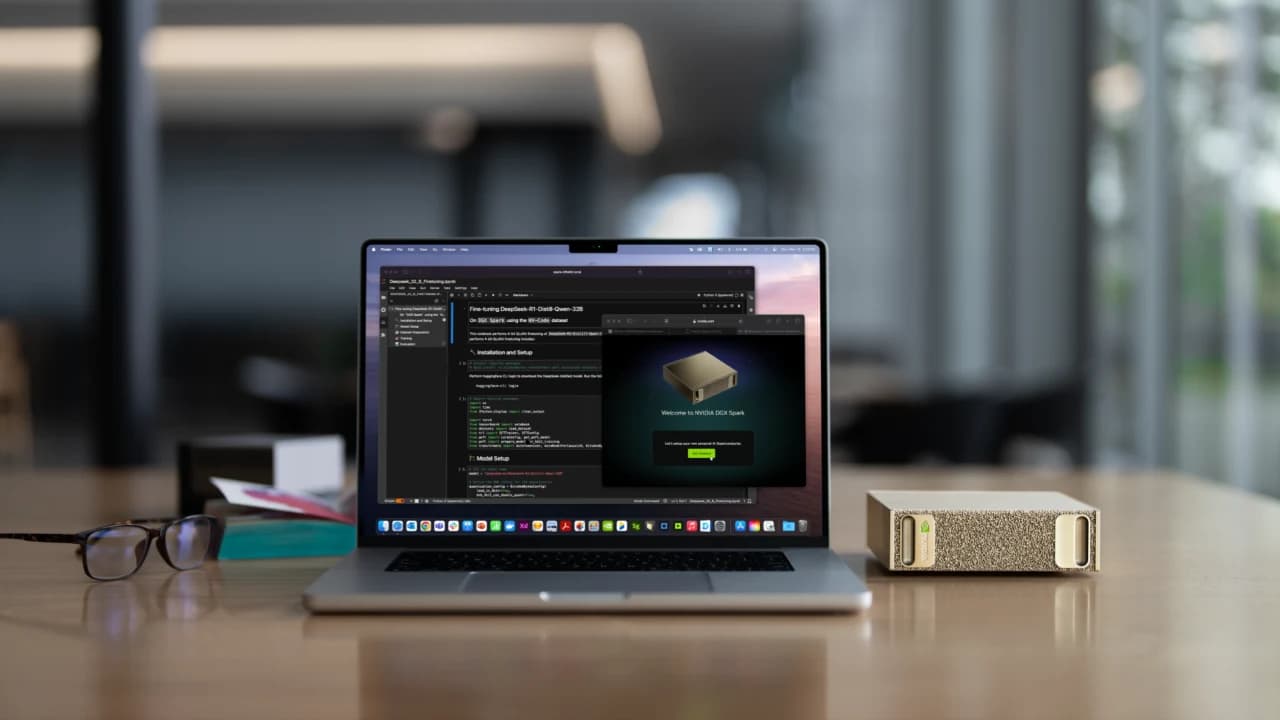 Image: NVIDIA
Summary
- To start using AI in a department as fast as possible and run large models, DGX Spark fits best.
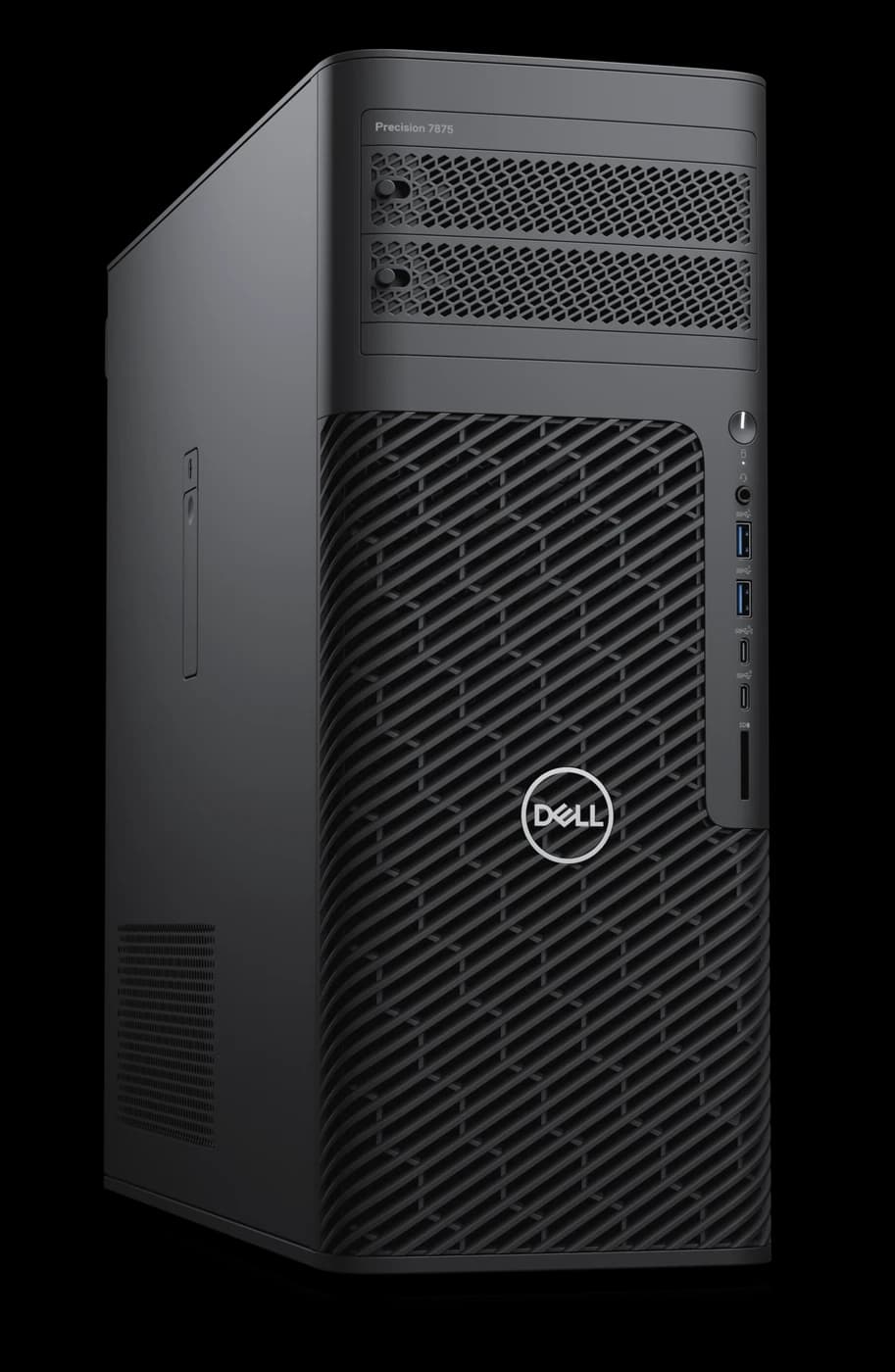
- For the fastest responses, training your own models or future upgrades, an AI Workstation fits better, but it costs more and takes longer to arrive.
- Adding a GPU card to an existing IT server looks cheaper at first, but it often stalls because the server cannot take the card or approval takes time.
Why organizations run AI on their own machines
Internal data such as machine manuals, maintenance history and customer documents does not have to leave the organization. Costs are predictable because they are not charged per use, and departments can tune models to their own work.
Comparison of the 3 options
| Topic | DGX Spark | Existing server + GPU card | New AI Workstation |
|---|---|---|---|
| Approximate starting price | Approx. 300,000 THB | The card costs about as much as DGX Spark, excluding a new server if the existing one cannot take the card | Approx. 700,000 THB |
| Approximate lead time | 2–3 weeks, installed and tested before delivery | Hard to predict; depends on the machine and IT approval | 10–24 weeks; some models must be ordered in advance |
| Memory for models | 128 GB shared between CPU and GPU | 24–48 GB on 1 card | Up to 96 GB per card (RTX PRO 6000) |
| Suitable model size | 70B class, with memory left for documents | 8B–14B class | Depends on the chosen card |
| Response speed | Slower than a dedicated card, but more detailed answers because larger models fit | Fast, but depends on the CPU and RAM that IT allocates | Fastest |
| Upgrades | RAM cannot be added, but 2 units can be linked as a cluster | Depends on IT policy | Most upgradable |
| Who maintains it | The department can manage it | Every change goes through IT | IT may need to share maintenance |
Prices and lead times are estimates and are confirmed in the quotation.
Why model size matters
Figures such as 8B, 14B or 70B are a model's parameter count. More parameters understand complex questions better and give more detailed answers, but need more memory. A GPU card with 24–48 GB suits 8B–14B models. Forcing a 70B model onto it leaves almost no memory to load supporting documents. DGX Spark has 128 GB of memory, so it runs 70B models and still has room for the manuals or documents needed to answer.
Speed versus answer detail
Machines with a dedicated GPU card respond faster because the card has its own memory. DGX Spark shares memory between CPU and GPU, so it responds more slowly. For example, a task a dedicated-card machine answers in about 1 second may take DGX Spark 3–5 seconds, but because it can run a larger model, the answer is more detailed and complete. These figures are rough estimates for illustration; test with real work before deciding.
DGX Spark specifications at a glance
- NVIDIA GB10 Grace Blackwell chip: 20-core CPU + Blackwell GPU
- Up to 1 PFLOP of AI compute (FP4)
- 128 GB unified memory
- NVMe SSD up to 4 TB, depending on the quoted model
- 10GbE, Wi-Fi 7 and ConnectX-7 for linking 2 units as a cluster
- NVIDIA DGX OS (Ubuntu)
What to know before choosing DGX Spark
- It uses an ARM CPU, so test that all your software runs on ARM
- RAM cannot be added later; expand by adding units
- Suited to department use: about 5–10 users, with about 2–3 using it at the same time
Which one should you choose?
- Want to start fast, use it in one department, within a department-level budget: DGX Spark
- Need to train your own models, want maximum speed or plan to expand the machine: AI Workstation
- IT already has a server that supports GPU cards and is ready to allocate resources: add a card to the existing server
Start small, then scale
A practical approach is to start on DGX Spark in one department, prove that the work pays off, then move the system to a workstation or company server when it expands to several departments. What you built moves to a larger machine without starting over.
Frequently Asked Questions
What model size can DGX Spark run?
With 128 GB of memory it runs 70B-class models and still has room for the documents used to support answers.
How many people can use one unit?
For department-level work it supports about 5–10 users, with about 2–3 using it at the same time.
How does buying a machine differ from renting cloud GPUs?
If you buy, data stays in the organization and costs are fixed. Cloud rental starts immediately but charges by usage time. See the figures in our article on buying or renting an AI server.
What is the starting price?
AI Server on DGX Spark starts at approx. 300,000 THB and AI Workstation at approx. 700,000 THB. Actual prices depend on the specification and scope in the quotation.
References
- [1]
NVIDIA DGX Spark hardware overview — NVIDIA
- [2]
NVIDIA RTX PRO 6000 Blackwell Max-Q Workstation Edition — NVIDIA
- [3]
Dell Precision 7875 Tower — Dell