





AI for the enterprise · Deployed on your premises
Compact AI ServerStart AI work close to your data
NVIDIA DGX Spark
A desktop system that brings AI compute to the desk with the NVIDIA GB10 Grace Blackwell Superchip. Suited to teams that want to develop and trial models on company data before building a production system.
300,000 THB
An indicative estimate. Scope and terms follow the quotation, which specifies the hardware, software, installation work, tax and warranty before any order.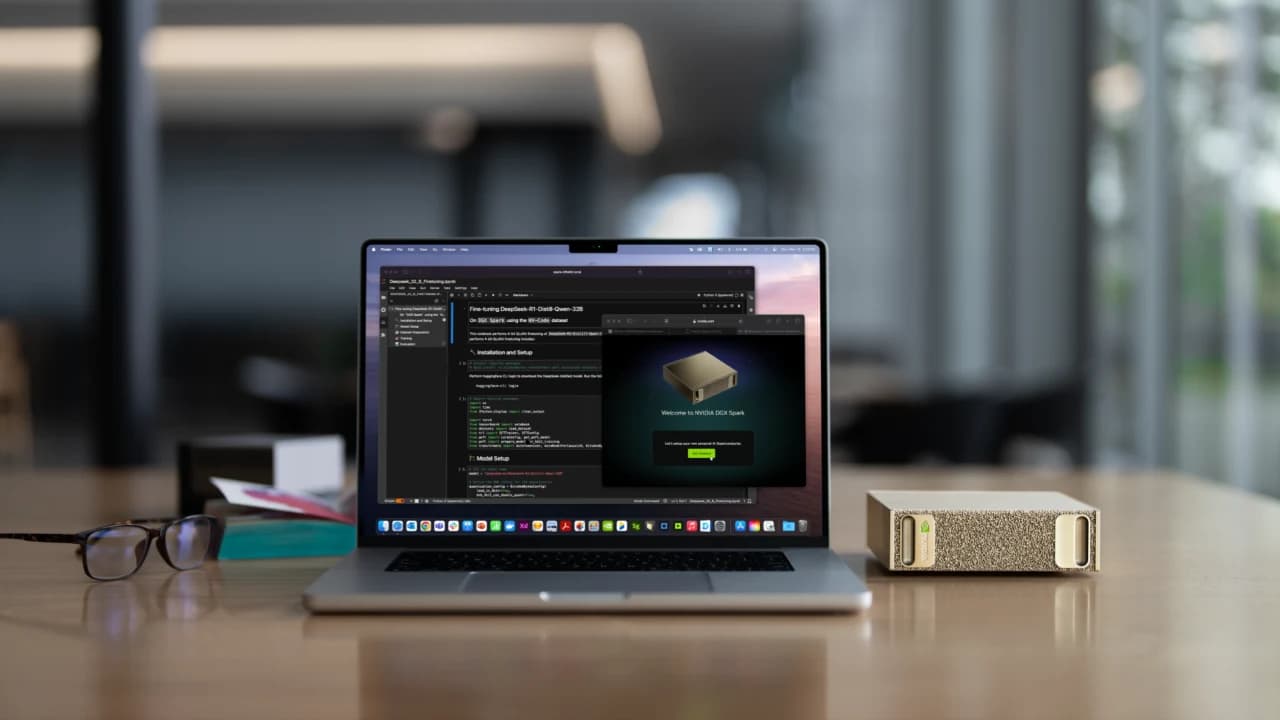
Start from the work your team needs
One unit as the starting point for AI work in your organisation
Examples of directions we can assess together. Software has to be verified and tested on real data before scope and performance are confirmed.
Search knowledge in internal documents
Trial LLMs and retrieval-augmented generation (RAG) over manuals or company documents, with access rights set per user.
See Enterprise KM ChatbotConnect AI to your workflow
Assess connecting models to databases and approval steps, such as summarising documents or preparing reports, so the team can review them before they go out.
See automation with nimitFlowDevelop and test vision models
Use it as a space to trial models on sample images before choosing the devices and architecture that suit real line speed and on-site conditions.
See Machine Vision servicesPut the computing close to the data
Design the connections, user rights and data paths to match company policy, including a review of the external services the software calls.
Company data
Documents · Databases · Sample images
AI Server
Tested models and software
Your team's work
Knowledge search · Summaries · Model trials
A conceptual diagram for scoping, not test results from an installed system.
NVIDIA DGX Spark
Small footprint, specs for AI work
Based on the NVIDIA DGX Spark 128 GB memory model. The actual item list is confirmed in the quotation.
See the specs from NVIDIA- Processor chip
- NVIDIA GB10 Grace Blackwell Superchip
- Central processor
- 20-core Arm CPU · 10 Cortex-X925 + 10 Cortex-A725
- Memory
- 128 GB LPDDR5X shared between CPU and GPU · 273 GB/s
- Storage
- NVMe M.2 SSD up to 4 TB, depending on the quoted model
- Network
- 10 GbE RJ45 · ConnectX-7 200 Gb/s · Wi-Fi 7
- Operating system
- NVIDIA DGX OS, based on Ubuntu · Linux Arm64
- Size and weight
- 150 × 150 × 50.5 mm · 1.2 kg
Start from the problem, then set the specs
Tell us the work you want AI to help with
Prepare sample data, the models you are interested in, the number of concurrent users and your network constraints.
Assess and define the tests
Verify software compatibility, assess memory needs and set measurement criteria based on real work.
Confirm the scope and the quotation
Itemise the unit, software, integration, installation and support, together with delivery and warranty terms.
Choose the AI Server that fits your team's starting point
Compare system formats and initial budgets, then evaluate against your actual models and software. The shared memory of DGX Spark and the VRAM of RTX PRO are different approaches, so capacity figures alone cannot determine speed.
Compact AI Server
NVIDIA DGX Spark
Indicative starting price 300,000 THBView details for this model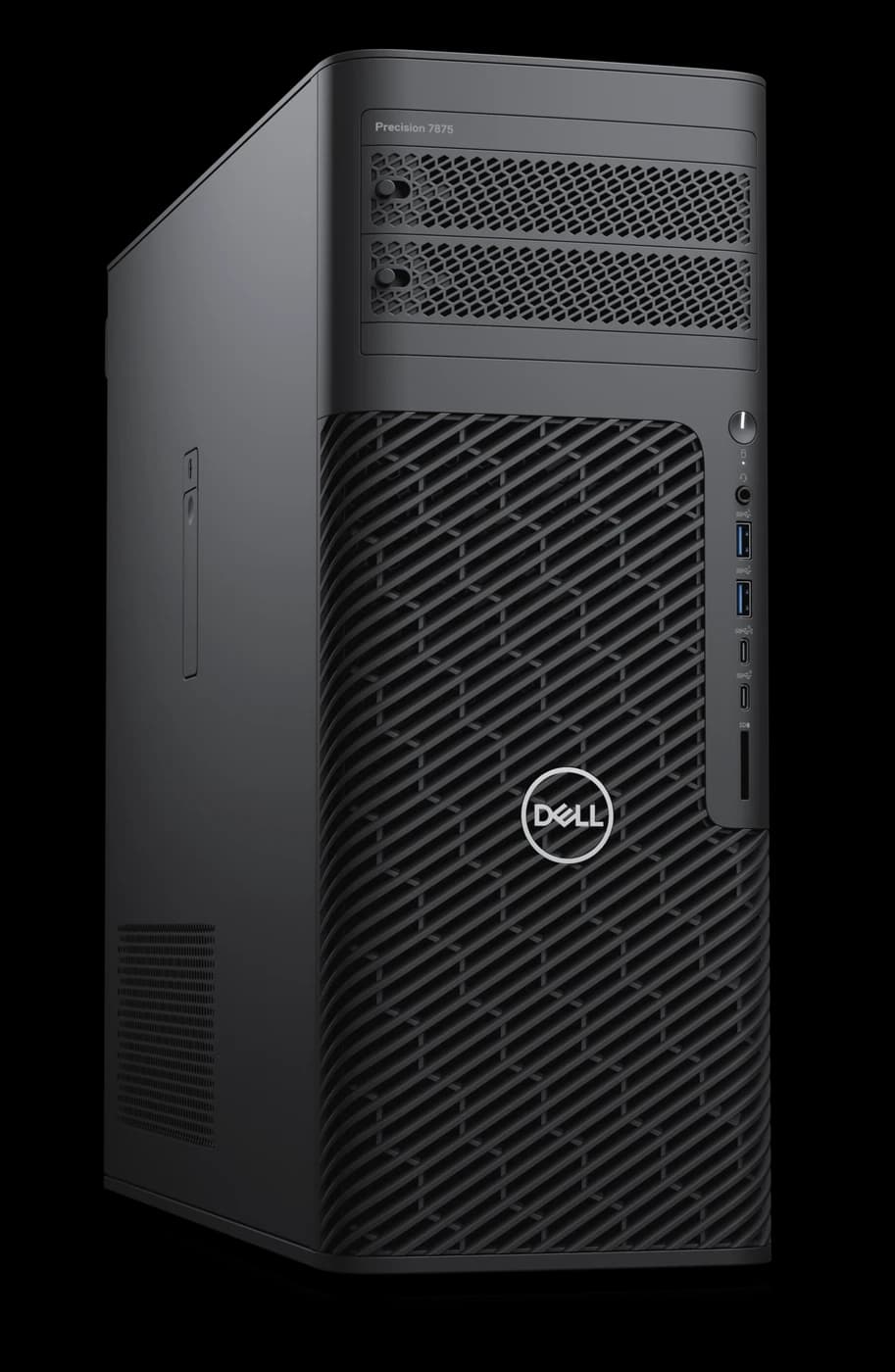
AI Server Workstation
Dell Precision 7875 Tower
Indicative starting price 700,000 THBView details for this modelQuestions to ask before choosing an AI Server
What does the 300,000 THB starting price include?
It is an indicative starting estimate for budgeting. The hardware items, software, installation work, tax, warranty and delivery time have to be confirmed in the quotation. No additional services or software licences are automatically included.
Is the 128 GB the VRAM of a graphics card?
It is memory shared between the CPU and the GPU, not 128 GB of separate VRAM. How much is actually available to a model depends on the operating system, the software and the tasks running at the same time.
How many concurrent users does it support?
That has to be tested against the model, the input and response lengths, and the response time you consider acceptable. A memory figure alone cannot confirm user numbers or speed.
If it is installed in-house, does that mean no data leaves at all?
An on-premises installation lets you control the data paths, but you still need to review the external service APIs, telemetry, updates and backups of each piece of software, and set access rights and networking according to company policy.
Do you already have an AI task you want to start?
Send us sample work and your team's requirements for us to assess, so the unit and system scope match real use.