System connecting automatic checkweighing scales on 9 packing lines to the production database, for a consumer goods manufacturer in Thailand
Customer: Multinational consumer goods (FMCG) manufacturer
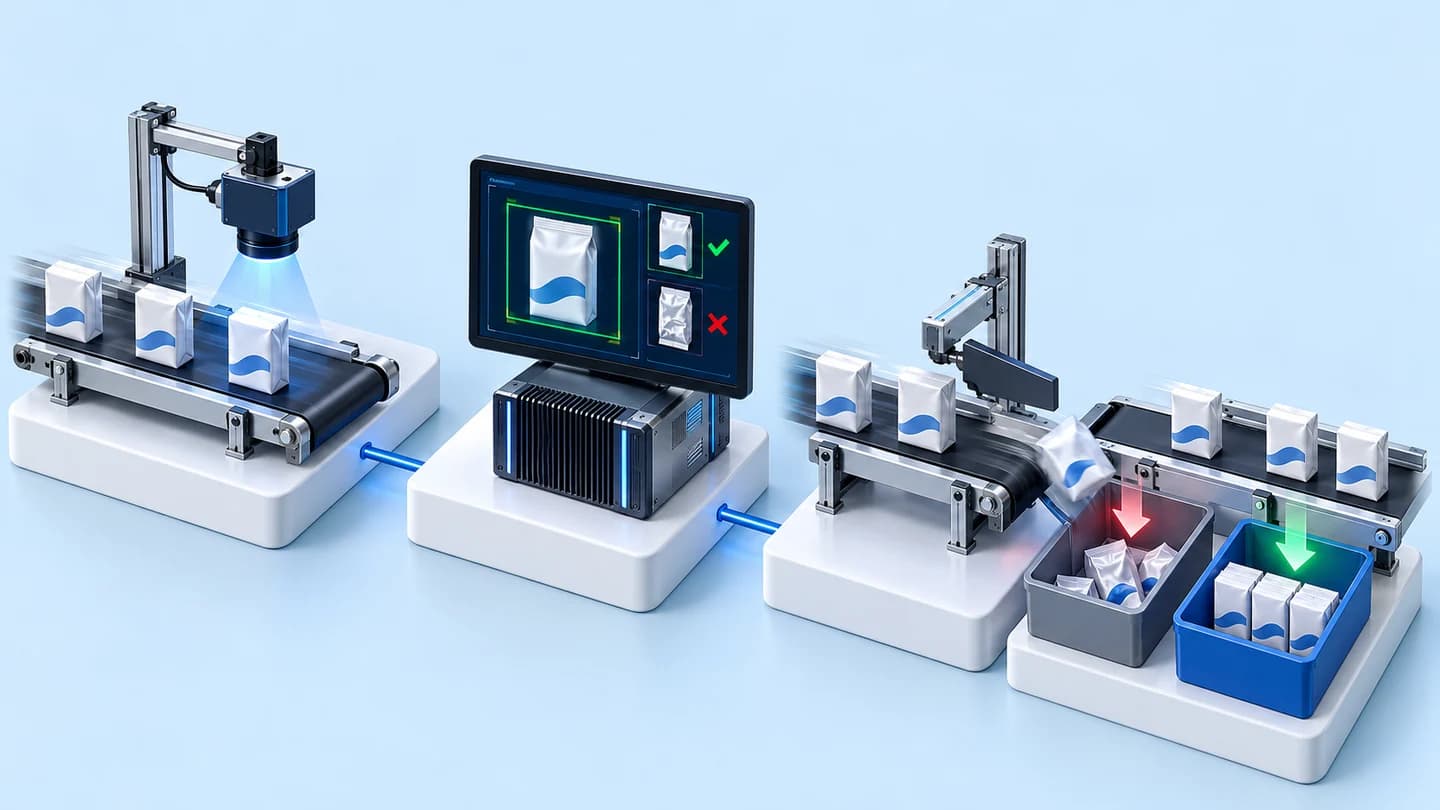
Auto Weight Link CIM is software that takes weight values from the existing automatic checkweighing scales (Checkweighers) on 9 packing lines into the factory's production database, links them to product codes and production plans, records sample weights automatically every 30 minutes and makes reports available on the web. We delivered this system to a consumer goods manufacturer in Thailand in 2023.
- Existing automatic checkweighing scales9 packing lines
- Weight values sent via ODBCThe factory's existing service
- CIM database on SQL ServerMatching products + production plans
- Automatic sample weight recordingEvery 30 minutes
- Weight Checker web reportExcel export
- Industry
- FMCG
- Year
- 2023
- Scope of work
- Connecting the existing automatic checkweighing scales on 9 lines to the CIM database on SQL Server, matching weight values to product codes and production plans (Production Order) for traceability, automatic sample weight recording every 30 minutes, the Weight Checker web report showing tables of up to 1,000 rows and exporting up to 20,000 rows to Excel, a user manual, and usage testing on all 9 lines
Summary
- Auto Weight Link CIM is software that receives weight values from the existing automatic checkweighing scales (Checkweighers) on 9 packing lines and records them automatically in the CIM database on SQL Server, without replacing the scales.
- Every weight value is matched to a product code and production plan (Production Order) from the existing database, so it is possible to trace which product and production plan a given batch of weights came from.
- The system automatically records sample weights in the database every 30 minutes of production, replacing the previous manual sample weighing.
- The Weight Checker web report lets users filter data by line, product and time period and export it to an Excel file from a web browser.
- The system passed all 4 tests in the scope of work, went live on all 9 lines, and the project closed in June 2023.
The on-site brief
The automatic checkweighing scales on the 9 packing lines could record only the weight value, with no record of which product was weighed or which line it came from. This information had to be entered by hand, and the sample weighing every 30 minutes during production was also still done manually, so traceability was difficult.
What we did
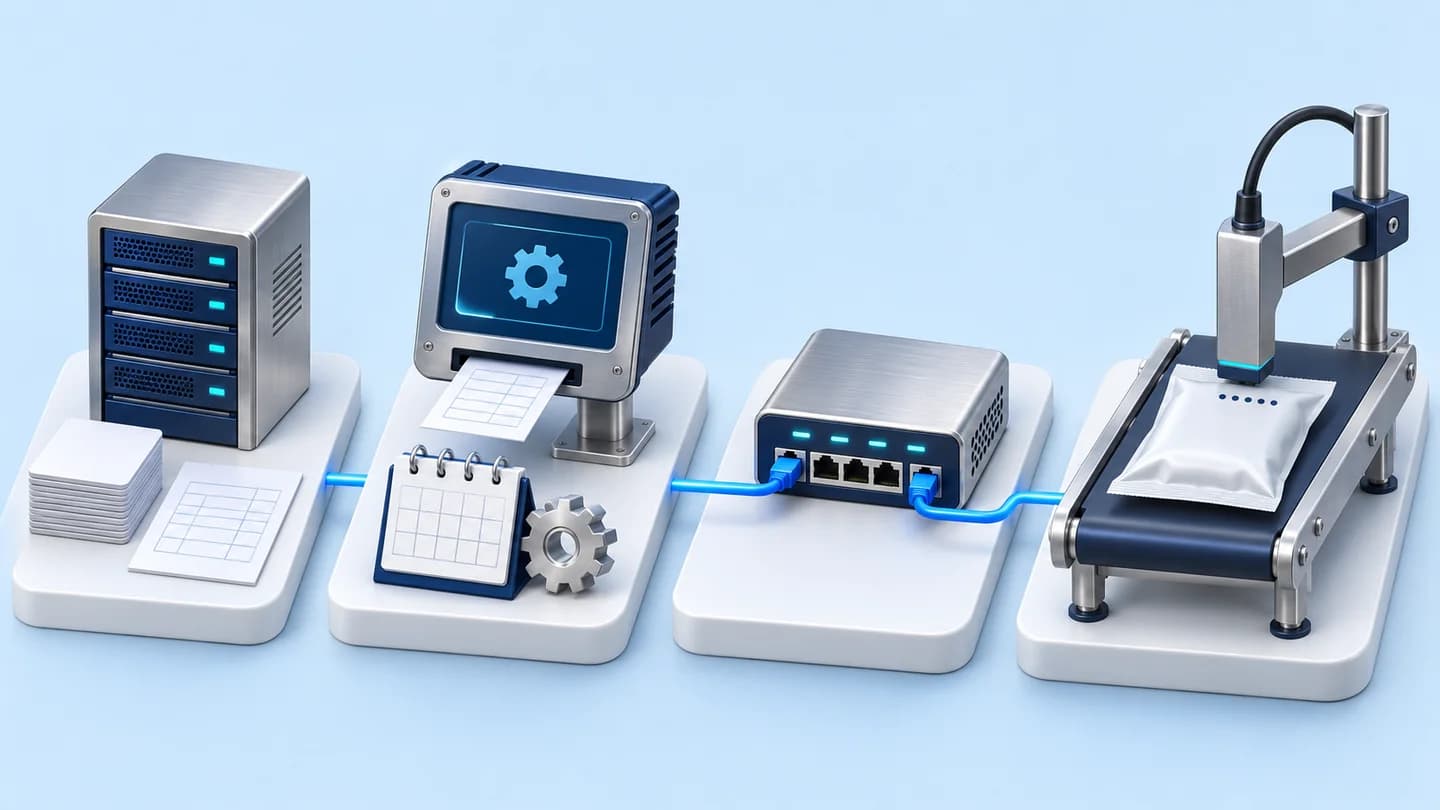
We developed the Auto Weight Link CIM software, which receives weight values from the existing scales through the factory's existing ODBC service (a database connectivity standard) and records them in the CIM database (the factory's production database) on SQL Server, together with product codes and production plans. The system records sample weights automatically every 30 minutes and includes the Weight Checker web report, which can filter data and export it to an Excel file.
Results
The system passed all 4 software test items in the scope of work and went live with the scales on all 9 lines. We delivered the user manual and closed the project in June 2023, with the work divided into 3 instalments.
Measured results
- Packing lines with scales connected to the system
- 9
- Automatic sample weight recording interval
- 30minutes
How the brief came about
The brief in this case was to get weight values from all 9 packing lines into the production database automatically, along with which product each one was and which plan it was produced under. This consumer goods manufacturer in Thailand already had automatic checkweighing scales (Checkweighers) installed on its packing lines, but the machines could record only the weight value.
Which product was weighed and which line it came from had to be entered by hand, and the sample weighing every 30 minutes during production was also still done by hand on the scales. With weight values not linked to products and production plans, looking back at the weights of any given product batch was difficult, especially when several lines were producing at the same time.
What are CIM and a Checkweigher?
CIM in this case is the factory's production database, used to store weight values along with product codes and production plans. A Checkweigher is a scale installed on the line that weighs products during production. The scale knows only the weight value, not which product it is weighing. The system in this case connects these two parts.
Requirements and constraints
The system had to work with the scales and database the factory already had. The main requirements were as follows:
- Use all 9 existing automatic checkweighing scales without replacing any of them
- Receive weight values through the ODBC service (a database connectivity standard) the factory already uses, and record them in the factory's CIM database on SQL Server
- Use product codes and production plans (Production Order) from the existing database as the reference for matching
- Keep the sample weight recording (Weight Sampling) interval at every 30 minutes of production, the same interval the factory used for manual weighing
- Reports must be able to filter by line, product and time period, show tables of up to 1,000 rows and export to an Excel file of up to 20,000 rows
Why this work did not require new scales
This work connected data from the existing scales, because all 9 scales could already weigh and send weight values through the ODBC service the factory uses. What was missing was the information on which product and production plan each weight value belonged to. The scope of work was therefore software and database work, not machine replacement.
Recording was written as automatic commands in the database (Trigger and Stored Procedure) on SQL Server, so weight values are recorded when new data arrives, with nobody having to enter them. The system works in the following steps:
- 1
Receiving weight values from the existing scales
Each line's scale sends the weight value and weighing time through the ODBC service the factory already uses. The system receives this data and separates it by line code for all 9 lines.
- 2
Automatic recording in the CIM database
Weight values are written to the CIM database on SQL Server whenever there is new data, using Trigger and Stored Procedure, so weight values do not need to be entered by hand.
- 3
Matching to products and production plans
The system links weight values to product codes and production plans from the existing database, making it possible to look back at which product and production plan a given batch of weights came from.
- 4
Recording sample weights every 30 minutes
Sample weights, previously taken by hand on the scales, are added to the system automatically every 30 minutes of production, using values from the automatic scales.
- 5
Viewing and exporting reports on the web
Users open the Weight Checker page in a web browser and select the line, product and time period. The system displays a table sorted with the latest data first and can export it to an Excel file.
Deliverables
We delivered the software, the database recording component, the web report and supporting documents. The deliverables are as follows:
- Auto Weight Link CIM software
- Trigger and Stored Procedure in the CIM database on SQL Server
- Weight Checker web report
- User manual
- Software test report
Results confirmed by the project closure test
The project's software test report records that the Auto Weight Link CIM system passed all 4 items in the scope of work. One of these was usage testing with the scales on the packing lines, which passed on all 9 lines. We closed the project in June 2023, with the work divided into 3 instalments.
After go-live, weight values from the packing lines enter the production database automatically, together with product and production plan information, and users can view or export historical weight reports from a web browser. This case has no business performance figures, so we report only results backed by documents.
What we learned
This work offers 3 principles for connecting line measuring equipment to a database.
- Measurements without context cannot be used for traceability. If the measuring equipment on the line can already send data, the first task is to add context to the measurements, namely product, line and production plan, before considering replacing the equipment.
- Data should be recorded in the database as soon as a new value arrives, without relying on re-entry. In this work, Trigger and Stored Procedure in the CIM database do this, so the data does not depend on whether people have entered everything.
- A new system should start from the quality control cycle the factory already uses. In this work, the system records sample weights every 30 minutes, the same interval the factory used for manual weighing, so the system fits the factory's existing quality control cycle.
How this approach can apply to your factory
If your factory already has automatic checkweighing scales on its packing lines, you can take the same approach as this case: receive weight values from the existing machines, record them in the production database, then match them to products and production plans. What needs adapting is how the data is received, when your scales or database differ from this case.
Reusable parts and parts that need adapting
| System part | Reusable | Needs adapting when |
|---|---|---|
| Receiving weight values | Receiving values from the existing scales through the ODBC service | Your scales are a different model or store data in a different format, so how they can export data must be checked first |
| Recording in the database | Trigger and Stored Procedure on SQL Server | Your production database is not SQL Server, so the recording component must be rewritten |
| Matching products and production plans | Linking weight values to product codes and Production Order | Line codes, product codes or the production plan data source are not yet clear, and must be agreed before starting |
| Sample weight recording | Adding sample weights to the system automatically at set intervals | Your quality control cycle is not every 30 minutes, so a new interval must be set |
| Reports | Web report filtering by line, product and time period, with Excel export | Your team needs different filters or a different volume of data per export from this case |
Besides the points in the table, you should also prepare the following before starting:
- Coordinate with the factory's IT team on the network and database access rights from the outset, because the work has to connect line-side machines to servers in line with the organisation's network policy
- Agree with report users what data they need to see, such as required filters and the volume of data per export, before starting to develop the web report
Read more
- Custom inspection and control system development service
- Data integration and AI development services for organisations
- InQC: quality control software with SPC on tablets
- Case: Linking vernier data to automatic quality reports
- Case: automatic expiry date printing system on packing lines
- Article: SPC and P-Chart for factory managers
Technology used
Frequently Asked Questions
Do the scales have to be replaced?
Not in this case. The system receives weight values from all 9 existing automatic checkweighing scales through the factory's existing ODBC service (a database connectivity standard), then records them in the CIM database. For your factory, we first need to check what kind of data your existing scales store or export.
Does this system weigh or sort products itself?
No. The system does not weigh or sort products itself. Weighing remains the job of the existing scales on the line. This work is software that brings weight values into the CIM database, matches them to products and production plans, records sample weights and produces reports on the web.
How can weight reports be viewed?
Open the Weight Checker page in a web browser and select the line, product and time period. The system displays a table of up to 1,000 rows sorted with the latest data first, and can export to an Excel file of up to 20,000 rows.
Is this system in actual use yet?
It went live by project closure. The system passed all 4 software tests and was put into use with the scales on all 9 lines. We handed over the user manual and closed the project in June 2023, with the work divided into 3 instalments.
How much does it cost?
There is no standard price. The price depends on the number of lines, the type of scales and the database systems to be connected. We will survey the site and then issue you a quotation.