Procurement and assembly of an AI Task Cam set for 1 workstation in a general manufacturing factory
This project covers procurement and assembly of a Task Cam set for 1 factory workstation; on-site installation is outside our scope. The set includes a camera on a 5-axis mounting arm, an Intrigger button for start/stop and reset, a tablet display, and NAS (network-attached storage). We delivered and demonstrated it in B.E. 2569. Output-signal testing is ongoing
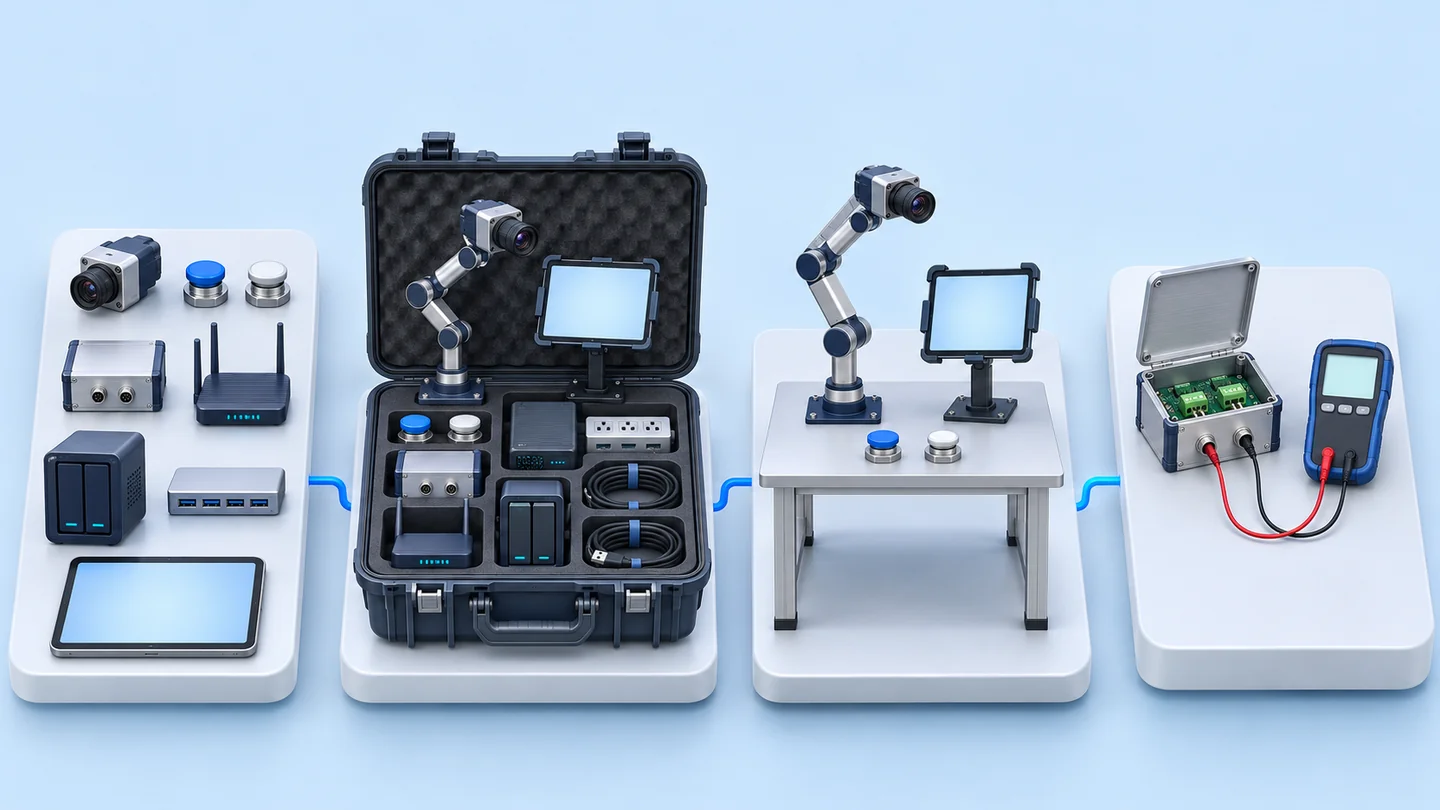
- Procure equipment according to the listCamera, buttons, network, NAS, tablet
- Assemble into a set ready for shipmentMounting arm, UPS box, signal cables
- Delivery and demonstration
- Output signal testingIn progress
- Industry
- General manufacturing
- Year
- 2026
- Scope of work
- Sourcing, assembly and delivery of a Task Cam set for 1 workstation under a 10-item quotation: 1 Task Cam camera on a 5-axis mounting arm, 2 InTrigger Input buttons (1 start-stop and 1 reset), an InTrigger Output box (2 output signal channels), a Wi-Fi 6 router, a 2-bay NAS with hard disks, a USB hub, a 10–11-inch tablet display, a display mount, a UPS box with a power strip, and LAN/USB cables, with a usage demonstration (on-site installation not included).
Summary
- We sourced, assembled and delivered a Task Cam set for 1 workstation in 2026. The set has a camera on a 5-axis mounting arm, InTrigger buttons, a Wi-Fi 6 router, a NAS, a tablet display and a UPS box.
- The InTrigger Input buttons are separated into a start-stop button and a reset button. They send signals via USB HID, like pressing a keyboard key, so no driver needs to be installed.
- The customer ordered the equipment only, without installation. We assembled it into a set before shipping and demonstrated its use at delivery.
- Output signal testing and a demonstration video on using the InTrigger buttons are in progress, so there is no on-site usage result data yet.
The on-site brief
The customer wanted a Task Cam set for detecting work at 1 workstation, with start-stop and reset buttons. The customer ordered the equipment only, without installation, and above all wanted a user manual.
What we did
We sourced the listed equipment and assembled it into a ready-to-ship set: a Task Cam camera on a 5-axis mounting arm, InTrigger Input buttons using USB HID (they work like pressing a keyboard key, with no driver to install), an InTrigger Output box, network equipment, a NAS, a tablet display and a UPS box (backup power unit). We then delivered it with a usage demonstration.
Current status
We delivered the equipment set with a usage demonstration in 2026. Output signal testing and a demonstration video on using the InTrigger buttons are currently in progress.
How the brief came about
The brief for this case was an assembled, ready-to-ship Task Cam set for 1 workstation in a factory. The quotation names this item Task Cam for Detect Operation Support 1 Station (a camera set that helps detect work at 1 station) and divides the equipment in the set into 10 items.
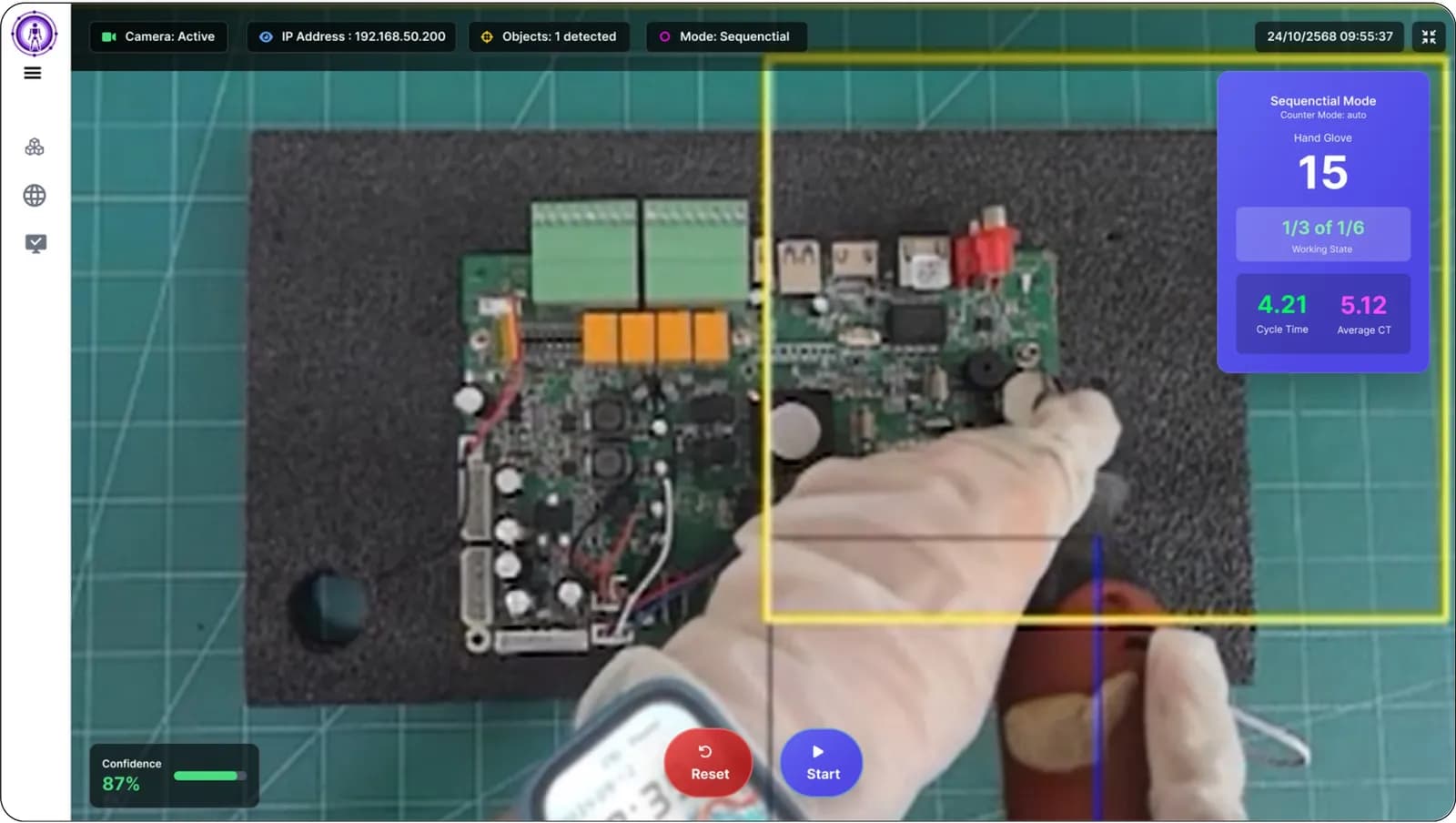
Task Cam is our Edge AI camera (a camera that processes AI on the device itself, on site) for checking work steps at workstations. In this case, our work was to source, assemble and deliver the equipment set with a demonstration, not to install and configure the system on site.
Requirements and constraints
The requirements for this job came from the equipment list the customer ordered and the agreed scope. The main requirements and constraints are as follows.
- The set is for 1 workstation and has 1 Task Cam camera
- Buttons must be separated by function: 1 start-stop button and 1 reset button
- There must be a box for sending output signals to other devices
- The customer ordered the equipment only; on-site installation is outside our scope of work
- Above all, the customer wanted a user manual
Why this set is assembled ready to ship and uses USB HID buttons
This set was assembled ready to ship because the customer ordered the equipment to be assembled into a set before it was sent to the factory, and it uses USB HID buttons in line with the InTrigger Input button specification in the customer's order. The equipment and cables were therefore arranged as a single set before shipping, and we then demonstrated its use at delivery.
The InTrigger Input buttons send signals via USB HID, so they can be used without installing a driver. When a button is pressed, the device connected by USB receives the signal as if a keyboard key had been pressed.
What is USB HID?
USB HID (Human Interface Device) is the same standard used by keyboards and mice. When plugged into a supported device, it can be used immediately without installing a driver. The InTrigger Input buttons can therefore send commands just like pressing a keyboard key.
The start-stop button and the reset button are 2 separate units, as the customer specified. Each button therefore has a single function: the start-stop command or the reset command.
What is included in a Task Cam set for 1 workstation
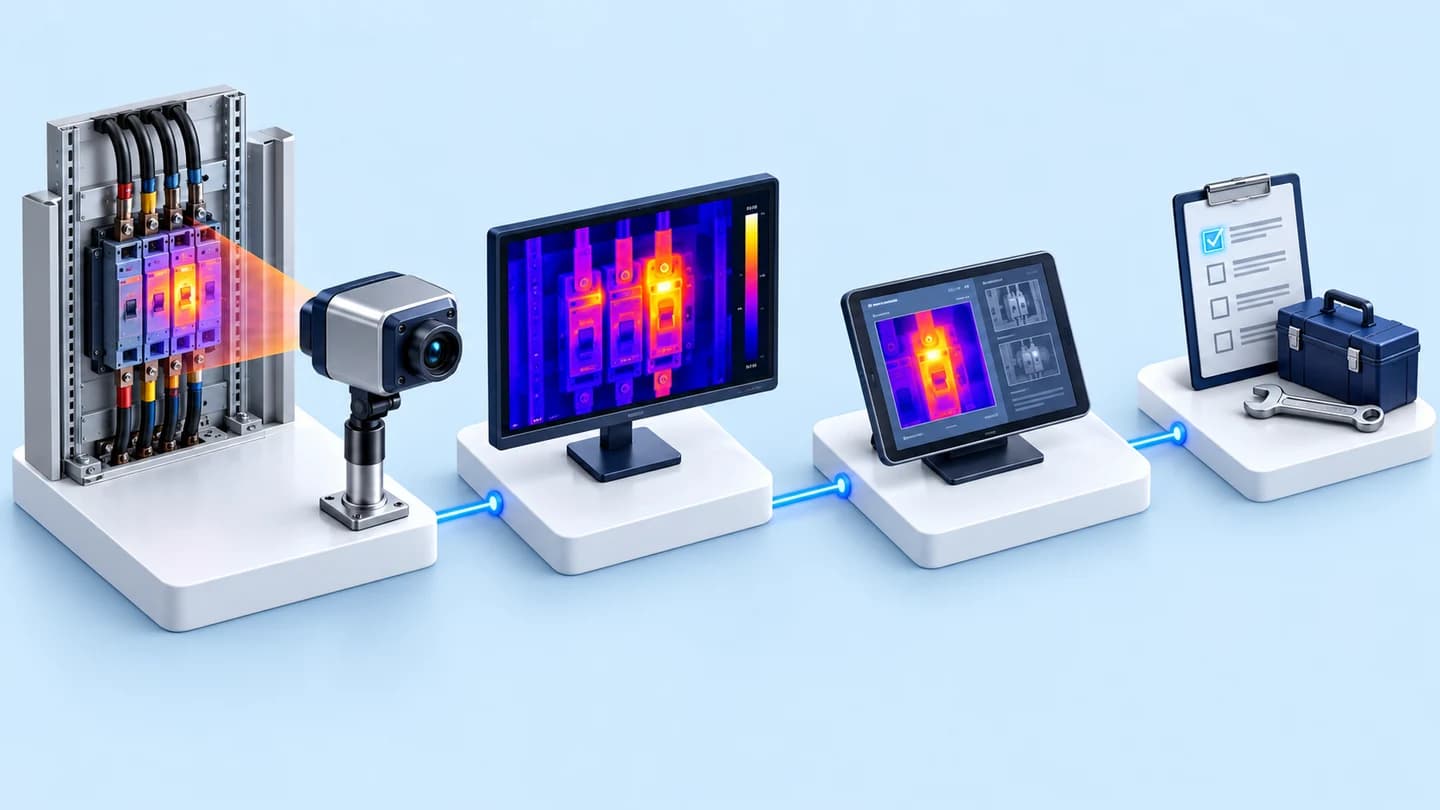
The set we delivered has a camera, control buttons, an output signal box, network equipment, data storage, a display, mounting equipment and a UPS box for 1 workstation. The full list is in this table.
Equipment in the Task Cam set for 1 workstation
| Part of the set | Equipment | Responsibilities |
|---|---|---|
| Camera | 1 Task Cam camera on a 5-axis adjustable mounting arm | Adjusts the camera angle to view the station's working area |
| Control buttons | 2 InTrigger Input buttons: 1 start-stop and 1 reset | Sends signals via USB HID with no driver to install |
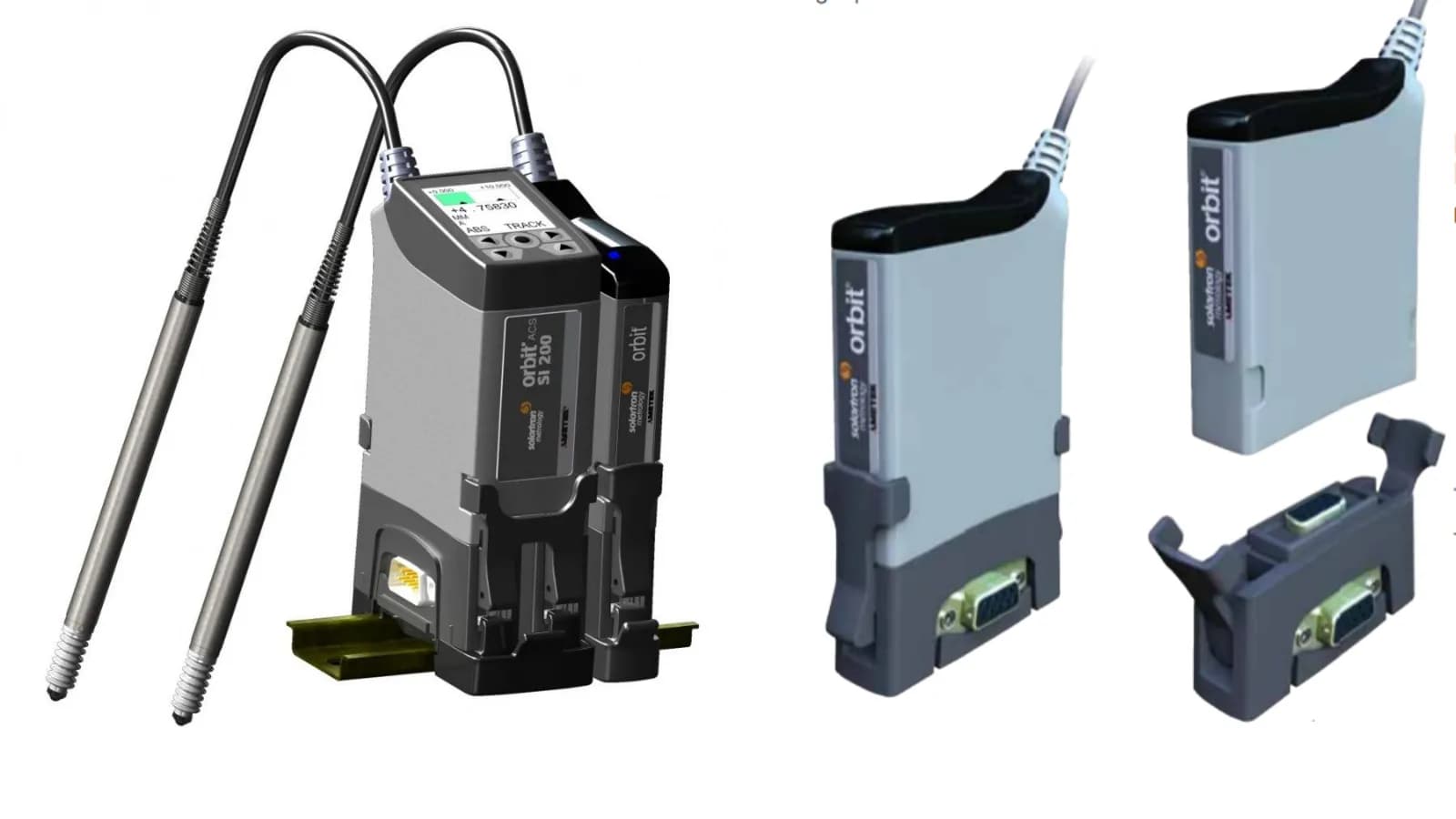
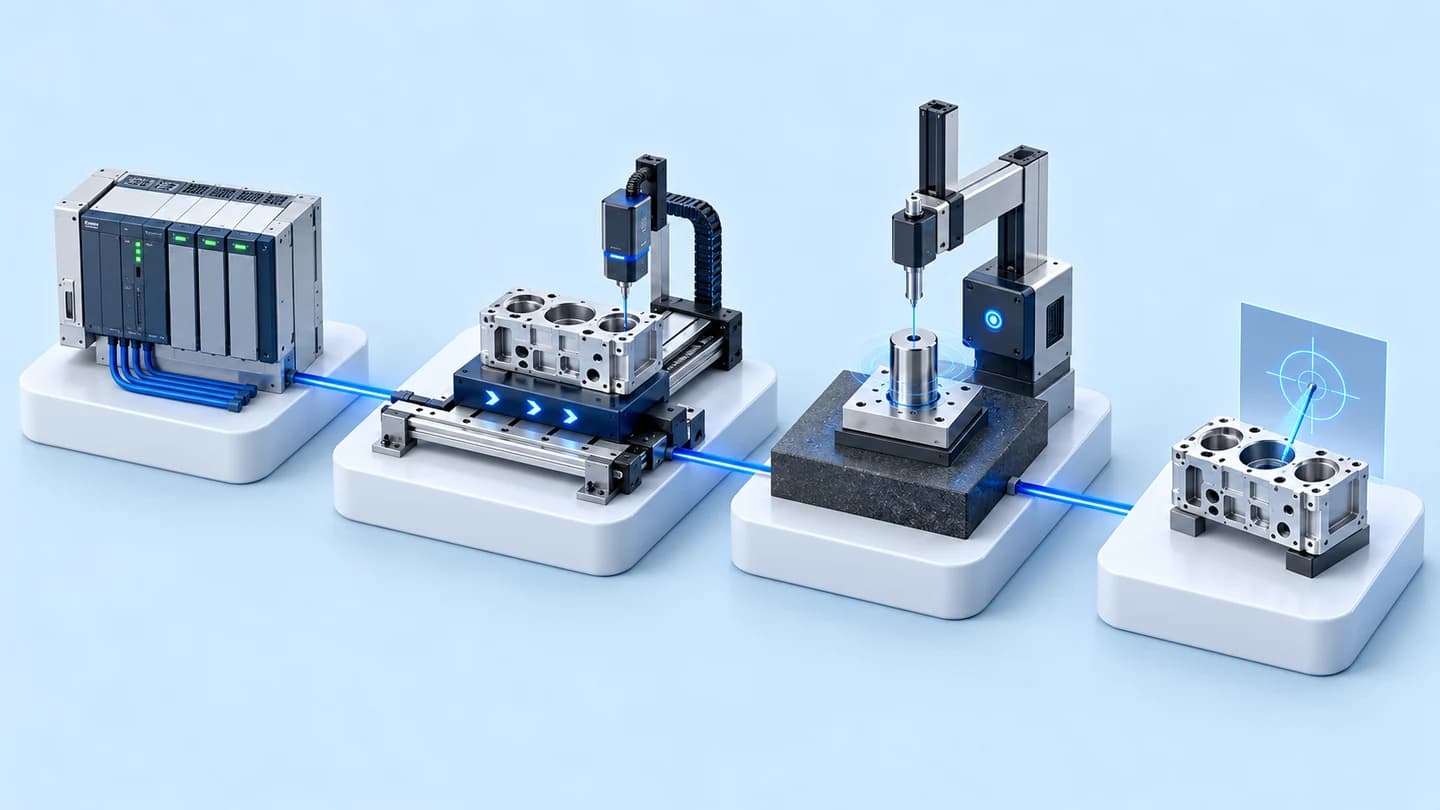
| Output signals | InTrigger Output box with 2 output signal channels, circuits separated by Opto Isolation (electrical separation between the two sides using light) | Sends signals out to other devices; testing in progress |
| Network and storage | Wi-Fi 6 router, 2-bay NAS with hard disks, and USB hub | The set's network equipment and data storage |
| Display, mounting equipment and power | 10–11-inch tablet display, display mount, UPS box (backup power unit) with power strip, and LAN/USB cables | Display at the workstation, display mount, and UPS box with power strip |
How far has delivery of this work progressed?
This job reached delivery with a usage demonstration in 2026, and 2 items of work are still in progress. The status of each stage is as follows.
- Sourcing equipment according to the list: completed
- Assembling into a ready-to-ship set: completed
- Delivery with usage demonstration: completed in 2026
- Output signal testing: in progress
- Producing a demonstration video on using the InTrigger buttons: in progress
We do not yet have usage result data from the customer's site, so this page reports only what has been delivered and the work in progress.
What we learned
This job offers the following principles for equipment set delivery work.
- When installation is outside our scope, the user manual is part of the deliverable, not a supplementary document. In this job, the customer stated that above all it wanted a user manual.
- Assemble into a set before shipping and demonstrate its use at delivery. When installation is outside our scope, the demonstration is the only point at which both parties see the set working together.
- Check input and output signals separately. USB HID buttons can be used immediately when plugged in, but output signals depend on the destination device, so they must be tested with the actual destination device before the set is considered fully ready for use.
How to apply this approach to your workstation
If you have your own installation team and want to start using AI cameras at a single station first, you can use the same approach as this case: order an assembled set with control buttons and data storage. What needs adjusting depends on the number of stations, the destination devices for the output signals and the readiness of your installation team.
Reusable parts and parts that need adapting
| Part of the set | Reusable | Needs adapting when |
|---|---|---|
| Equipment set per station | Camera, mounting arm, buttons, display and UPS box per 1 station | You need several stations: sets must be arranged by the number of stations, and the network and data storage replanned |
| Control buttons | USB HID start-stop and reset buttons | Your station needs buttons with other functions: agree the function of each button before ordering |
| Output signals | InTrigger Output box | Your destination device differs from this case: agree and test with the destination device before live use |
| Installation | Delivered as an assembled set with a usage demonstration | You have no installation team of your own: a separate quotation for the installation service can be requested |
Before ordering a set like this, prepare the following information.
- Mounting position for the camera arm, and placement points for the buttons, display and equipment box at the workstation
- The destination device that will receive the output signals, and how to test it before live use
- The person responsible for the NAS storage, and a data backup plan
- If you use the camera to observe employees' work, inform them first, and use the information to improve the workstation, not to assess individuals
Technology used
Frequently Asked Questions
How many workstations does this set cover?
The set in this case is arranged for 1 workstation and has 1 Task Cam camera. If you need several stations, please contact us for a quotation based on the number of stations.
Do the InTrigger buttons require any additional software?
No. The InTrigger Input buttons send signals via USB HID like a keyboard, so they can be used without installing a driver.
Does this set include installation?
In this case, no. The customer ordered the equipment only. We assembled the set and delivered it with a usage demonstration. If you need an installation service, a separate quotation can be requested.
Has this work been completed yet?
Not fully complete yet. We delivered the equipment set with a demonstration in 2026, and output signal testing and a demonstration video on using the InTrigger buttons are in progress.