Select AI Inspection Camera: Pre-assembled Task Cam or Custom Machine Vision
Inspektion engineering team · Published 7 September 2026 · Last updated 18 October 2026
Task Cam is suitable for work sequence verification at general workstations, while custom machine vision is suitable for specialized inspection tasks that require designing the camera itself — this article helps choose the right option for your needs
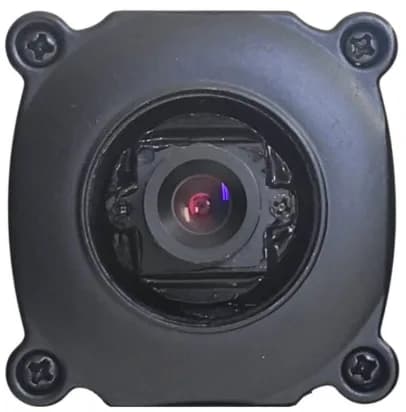 Image: Inspektion
Summary
- Task Cam is a ready-made AI camera that is easy to install, suited to checking work sequences and measuring Cycle Time at general assembly workstations.
- Custom-built Machine Vision suits specialised inspection work where the camera, lens and lighting must be designed to match the workpiece.
- The key factors in choosing are the variety of workpieces, the production line speed and the available budget.
- The cases include prototypes, on-site trials and delivered projects, so please read the status of each case before using it to inform a decision.
How do Task Cam and custom-built Machine Vision differ?
Task Cam (ready-made)
- Installed above the workstation, then configured and tested with the actual process steps
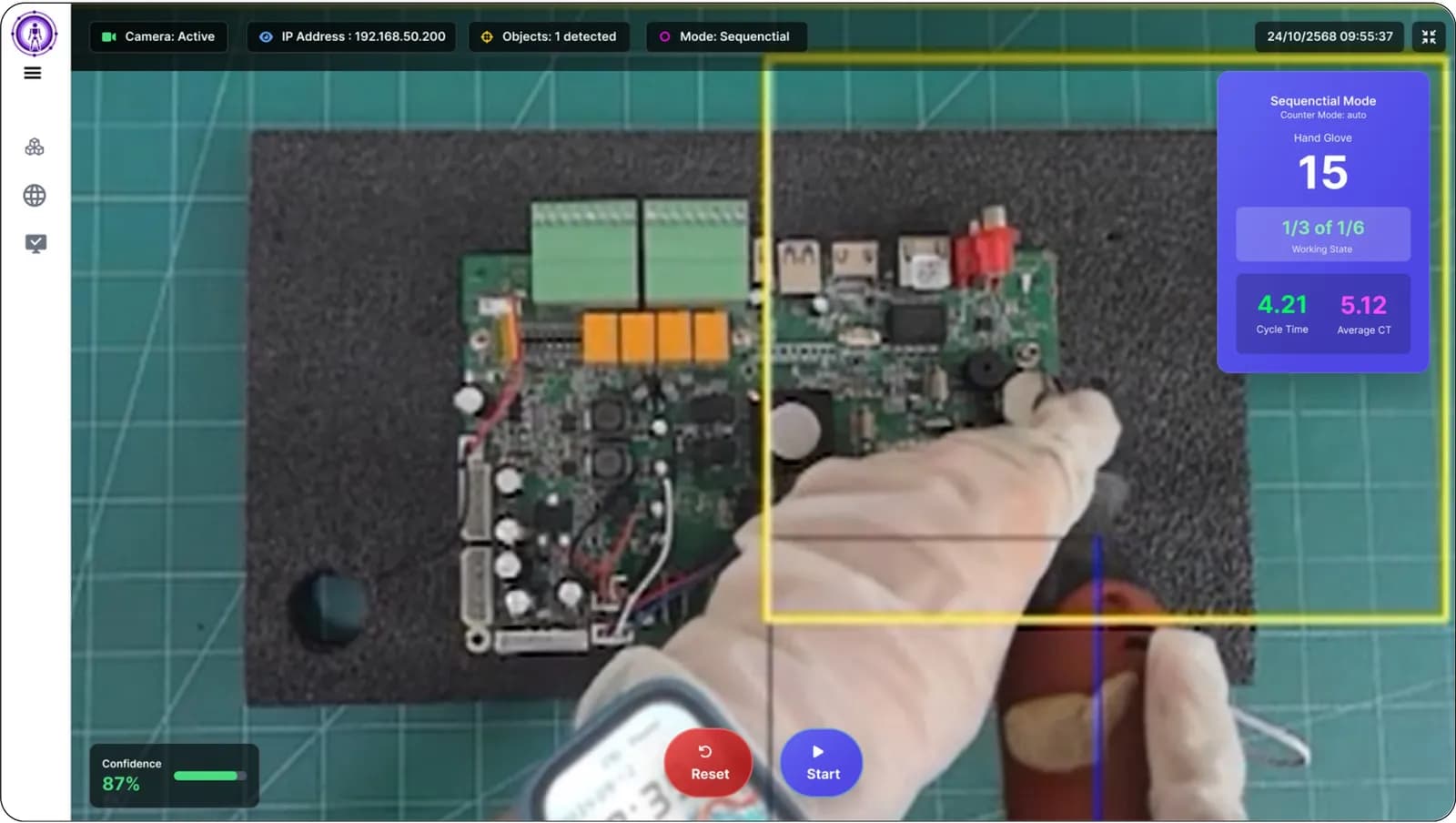
- Sequential mode checks the work sequence / Completion mode checks completeness
- Suited to assembly work with clearly defined steps
- Price and installation time can be predicted in advance
Machine Vision (custom-built)
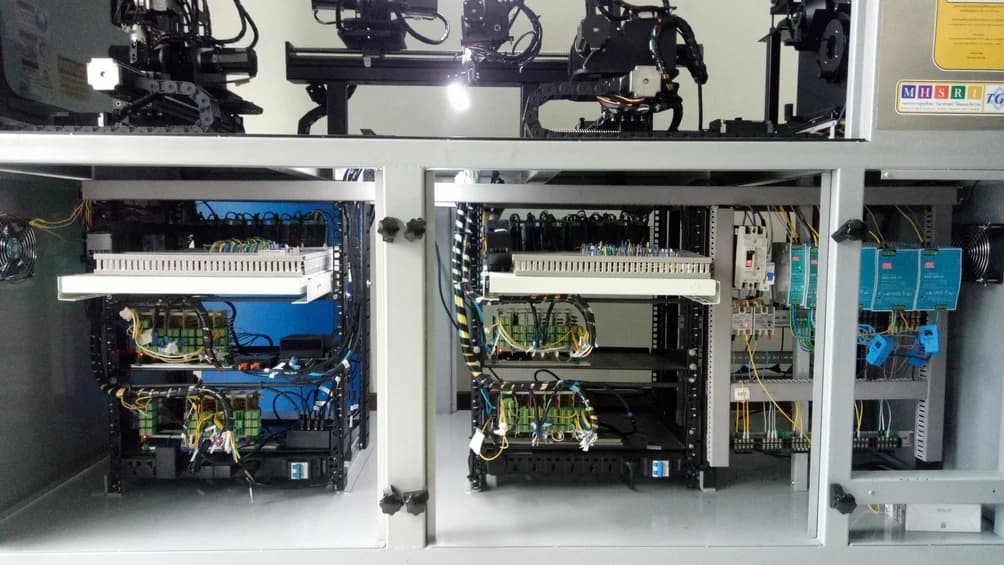
- Camera, lens and lighting designed specifically for the workpiece
- Supports complex inspection work, such as checking for defects, measuring dimensions and counting spots
- Can be finely tuned to the surface characteristics or colour of the workpiece
- Takes longer to design and test than ready-made Task Cam
Summary: Choose Task Cam when the requirement is checking work sequences/Cycle Time at a general workstation, and choose custom-built Machine Vision when the requirement is specialised quality inspection that needs a purpose-designed system.
What kind of work suits Task Cam?
Task Cam is an AI camera designed to be installed above a workstation, after which the detection area is configured and tested with actual work. It has a Sequential mode for checking the order of assembly steps and a Completion mode for checking that work is complete regardless of order. It suits factories that want to confirm that operators complete every step in the correct order, without having to design a system themselves — see an example of an on-site trial at Task Cam checking the part assembly sequence
What kind of work suits custom-built Machine Vision?
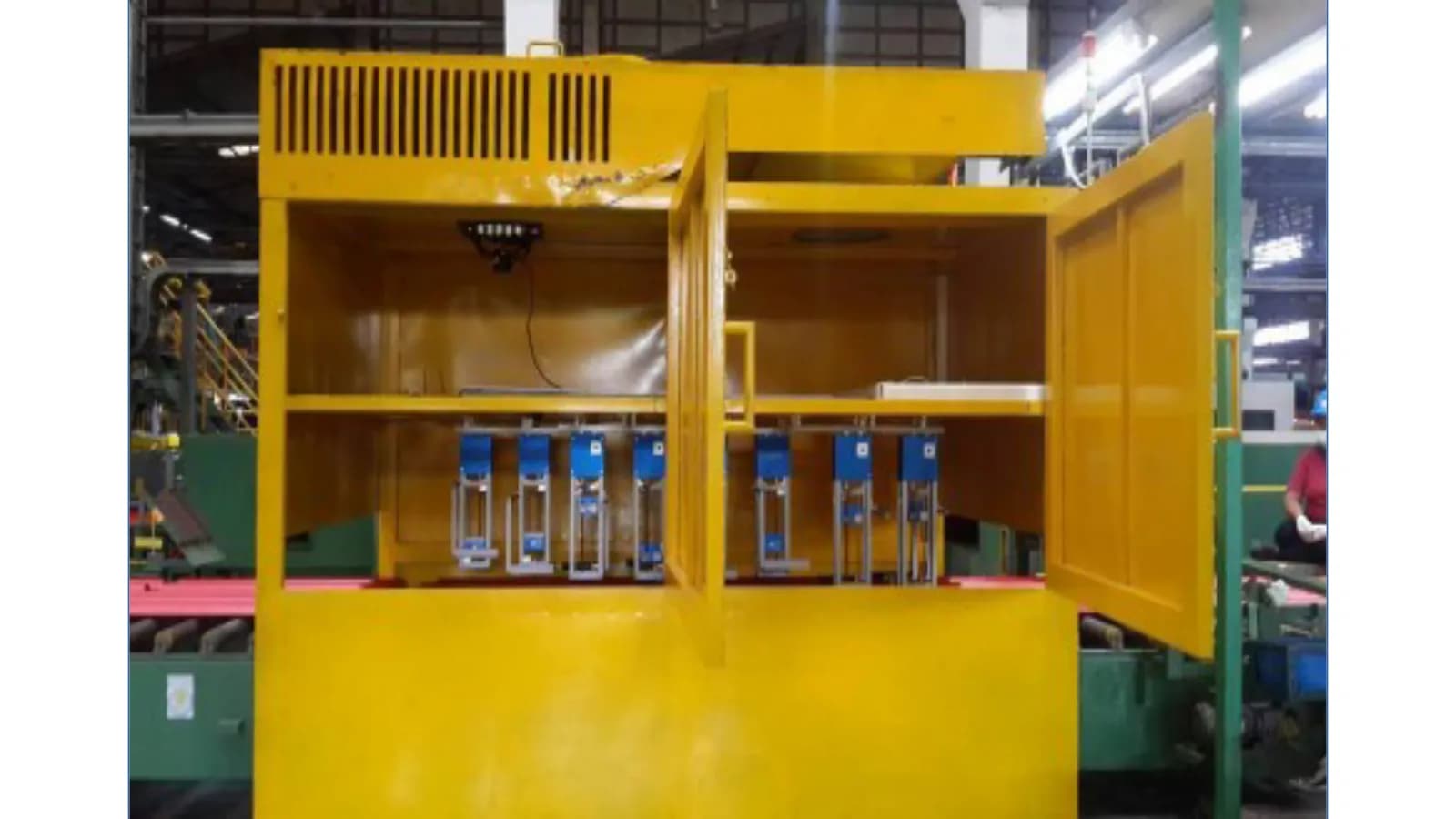
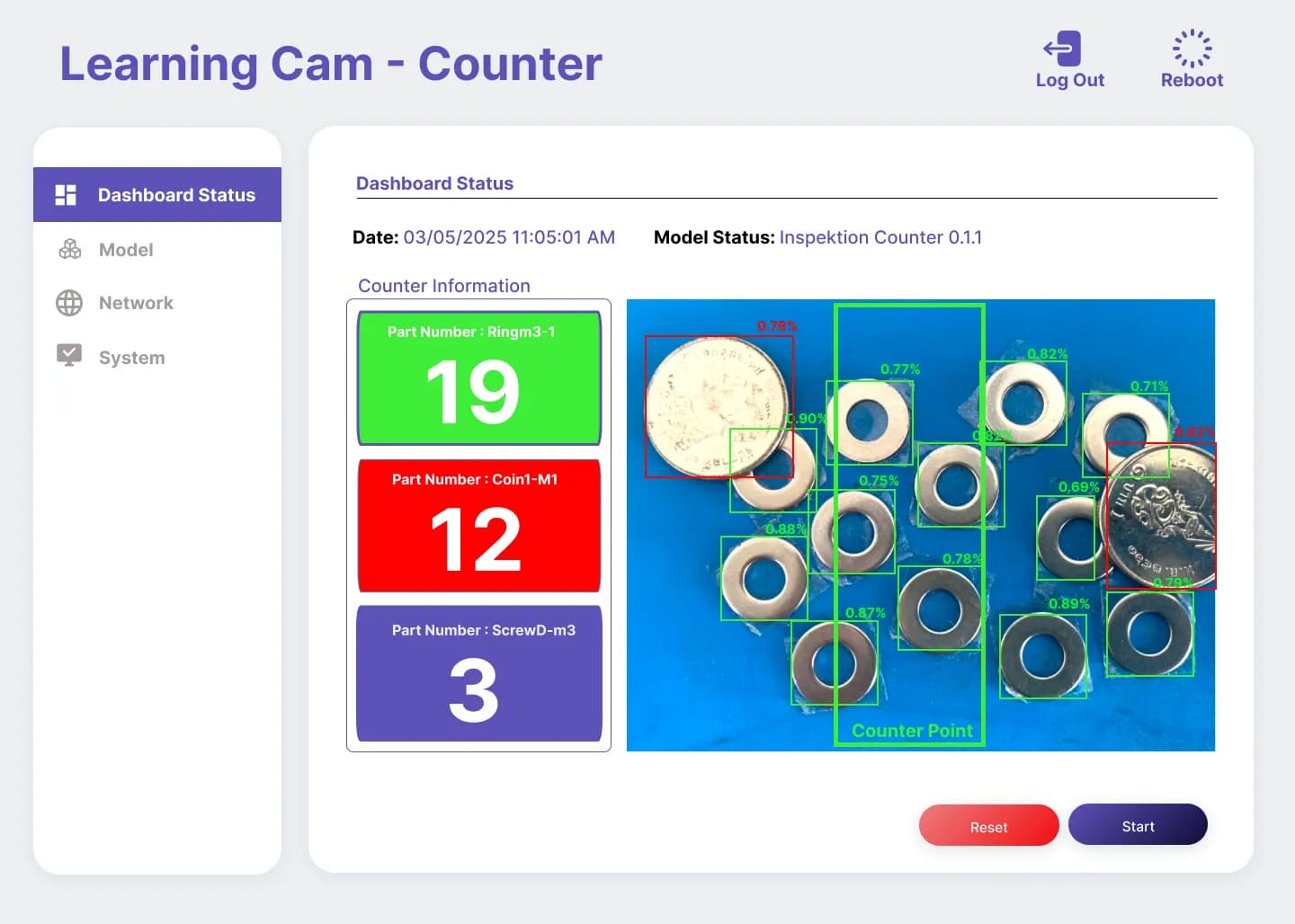
When the requirement is specialised inspection work that goes beyond checking the work sequence, such as checking for surface defects, measuring workpiece dimensions or counting foreign spots, a ready-made system often does not meet the need. The camera, lens and lighting must be designed specifically for the characteristics of each type of workpiece — see prototype examples at AI checking the completeness of parts in a tray and Ceramic tile inspection system using Machine Vision
Factors to consider before deciding
- Workpiece variety — repeated workpieces of the same type are better suited to Task Cam
- Production line speed — work that needs detailed inspection at high speed often requires a specialised design
- Budget and timeframe — Task Cam offers a more clearly predictable price and schedule
Frequently Asked Questions
Can Task Cam be used for quality inspection?
Task Cam focuses mainly on checking the work sequence and the completeness of steps. It is not an in-depth defect inspection system like custom-built Machine Vision. If you need detailed quality inspection of workpieces, we recommend consulting our team to assess suitability.
Can I start with Task Cam and expand to a custom-built system later?
Yes — start with a ready-made system to test the approach first, then expand to a specialised system once the requirements become clearer.
How much do the prices differ?
It depends on the complexity of the custom-built requirement. Our team will always assess and provide a quotation after surveying the site.
References
- [1]
OpenCV Documentation — OpenCV.org
- [2]
MediaPipe Solutions — Google AI Edge
- [3]
You Only Look Once: Unified, Real-Time Object Detection — arXiv (Redmon et al., 2016)