FROM CHALLENGE TO DELIVERY
Factory Machine Monitoring and Alerts
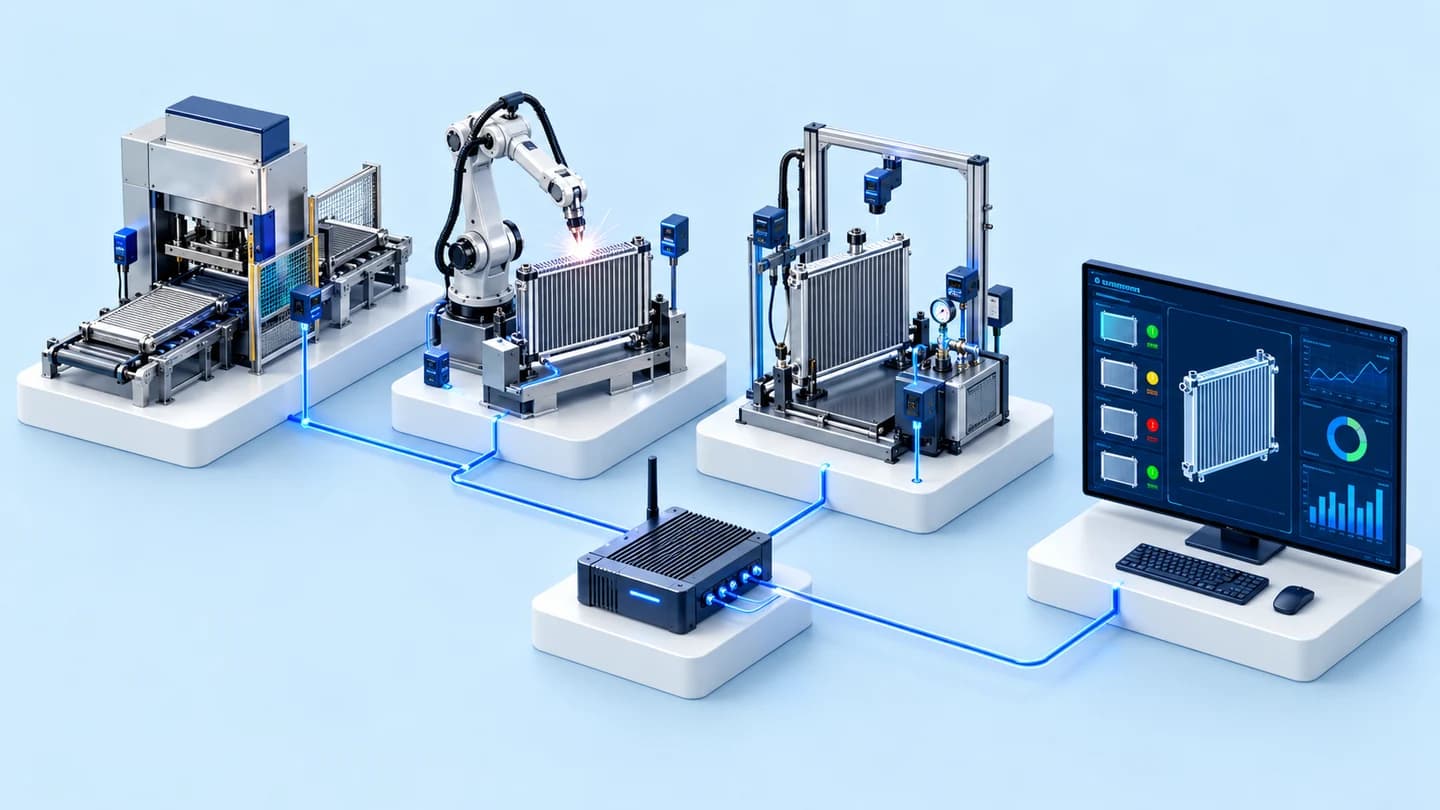
A machine monitoring system gathers the necessary signals and data and displays them on screen, with alerts based on the conditions of the work. We survey the data reading points, the network, and the users before designing, starting from a machine or line whose scope can be defined.
Suitable for: Suited to factories that want to bring machine status or maintenance data together for the team to view in one place. Work where it is not yet known what data a machine can send should start with a survey, rather than specifying screens or alert channels in advance.
Work Illustration
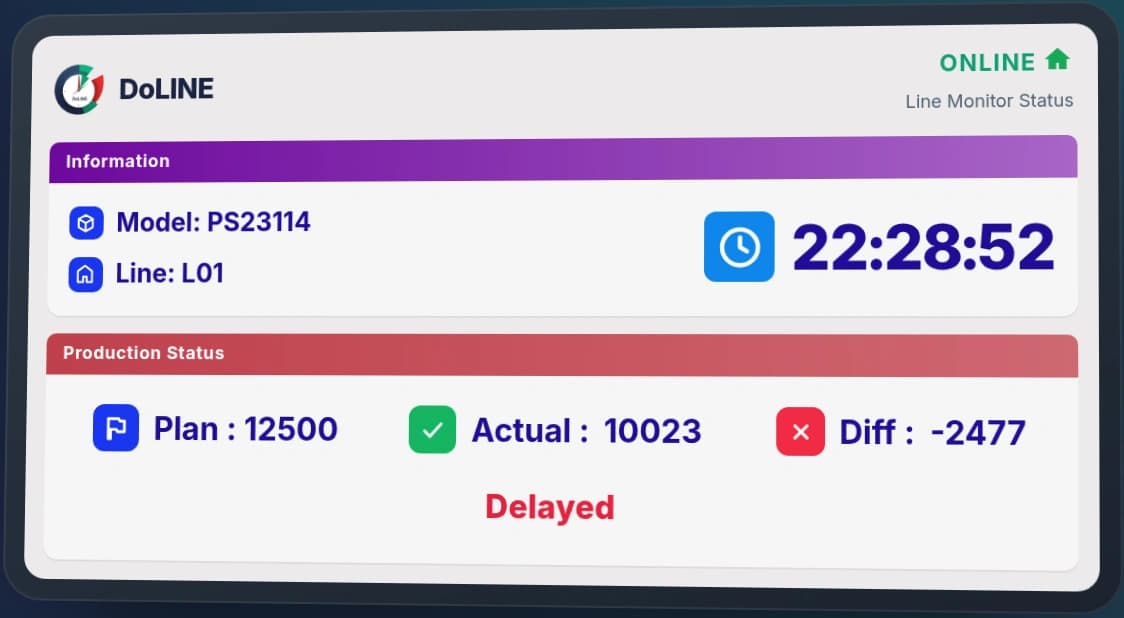
Monitoring mold shots and CNC machine status
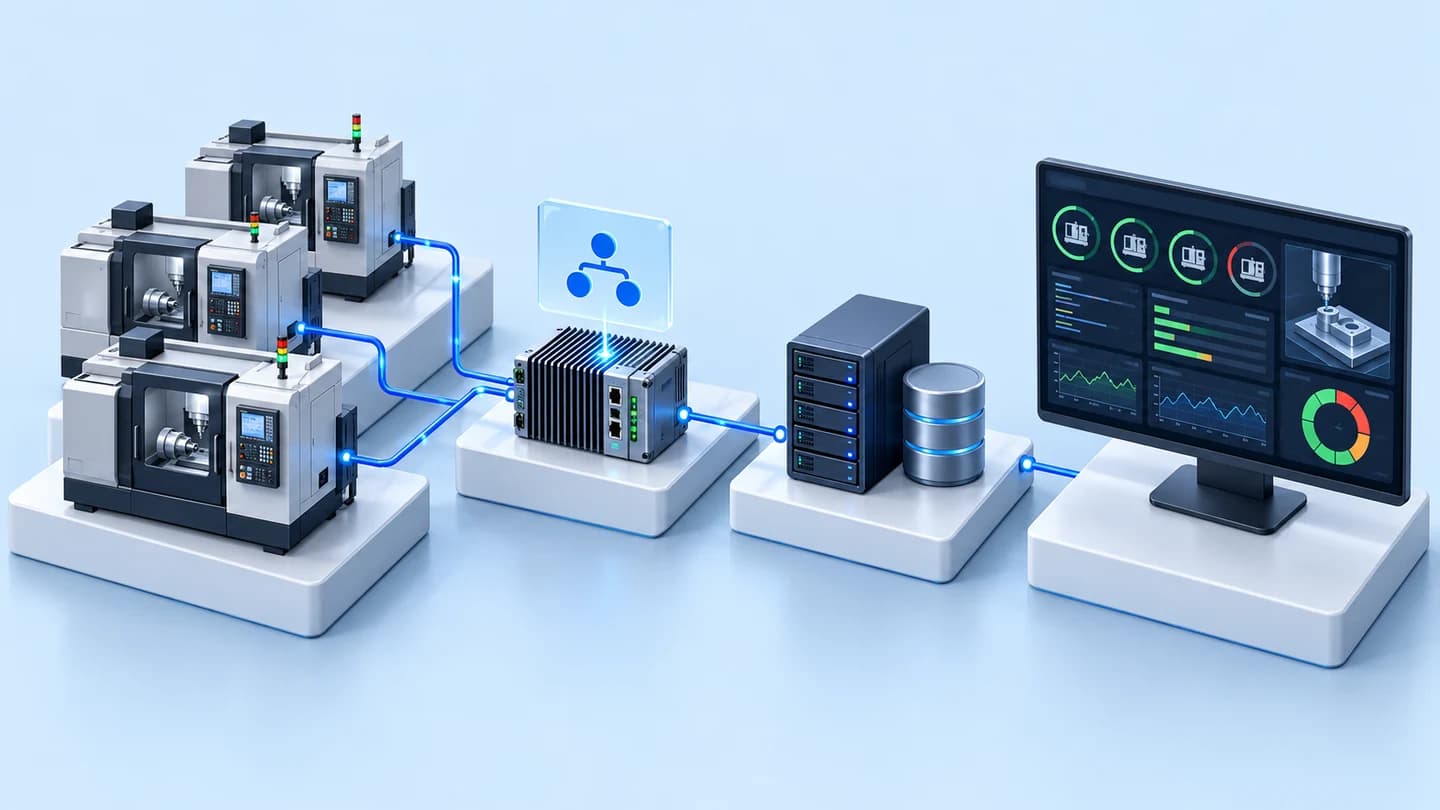
We have developed a web app that aggregates shots by mold, displays OK / Warning / PM status, and sends maintenance cycle alerts by email. In another case, we connected CNC machine data via OPC UA to Grafana on a server inside the factory. Channels and conditions therefore have to be chosen according to the data of each job. For your work, you should start from the list of machines and the statuses you want to see.
What you receive
- List of signals, data sources, and machine connection methods
- Monitoring screens for status and data within the scope of work
- Alert conditions, channels, and responsible persons agreed together
- Test results compared with the source data, manuals, and the scope of system maintenance
Suitable for: Suited to factories that want to bring machine status or maintenance data together for the team to view in one place. Work where it is not yet known what data a machine can send should start with a survey, rather than specifying screens or alert channels in advance.
Our process
Identify the data the team needs
Select the machines and statuses to be monitored, and specify the users and the decisions that depend on the data.
Survey signals and the network
Check the existing machine ports, protocols, signals, data files, and limitations before designing the connection.
Test the screens and the alerts
Compare the data with the source machine, test the alert conditions and communication failure cases within scope, then hand over how to use the system.
Frequently Asked Questions
Can old machines be connected to the system?
First survey the available signals and ports, along with the machine manufacturer’s limitations. Some projects can read through existing protocols; others need signal acquisition devices based on what the site survey confirms.
What signals does the system use to monitor machines?
The method depends on the data the machine provides and what you need to monitor. The CNC case reads via OPC UA, while mold shot monitoring reads and converts machine data files. Production-line signal integration requires surveying signal points before design. The same method does not apply to every machine.
Which channels can alerts be sent through?
The mold shot monitoring case had alerts by email. For new work, the channel, the recipients, and the conditions must be defined together first; it is not assumed that every system automatically supports every channel.
Is an internet connection required?
It depends on the server location and the data transfer channel. The CNC case used a server inside the factory, while alerts or access from outside require checking the network route and permissions together with the IT department.