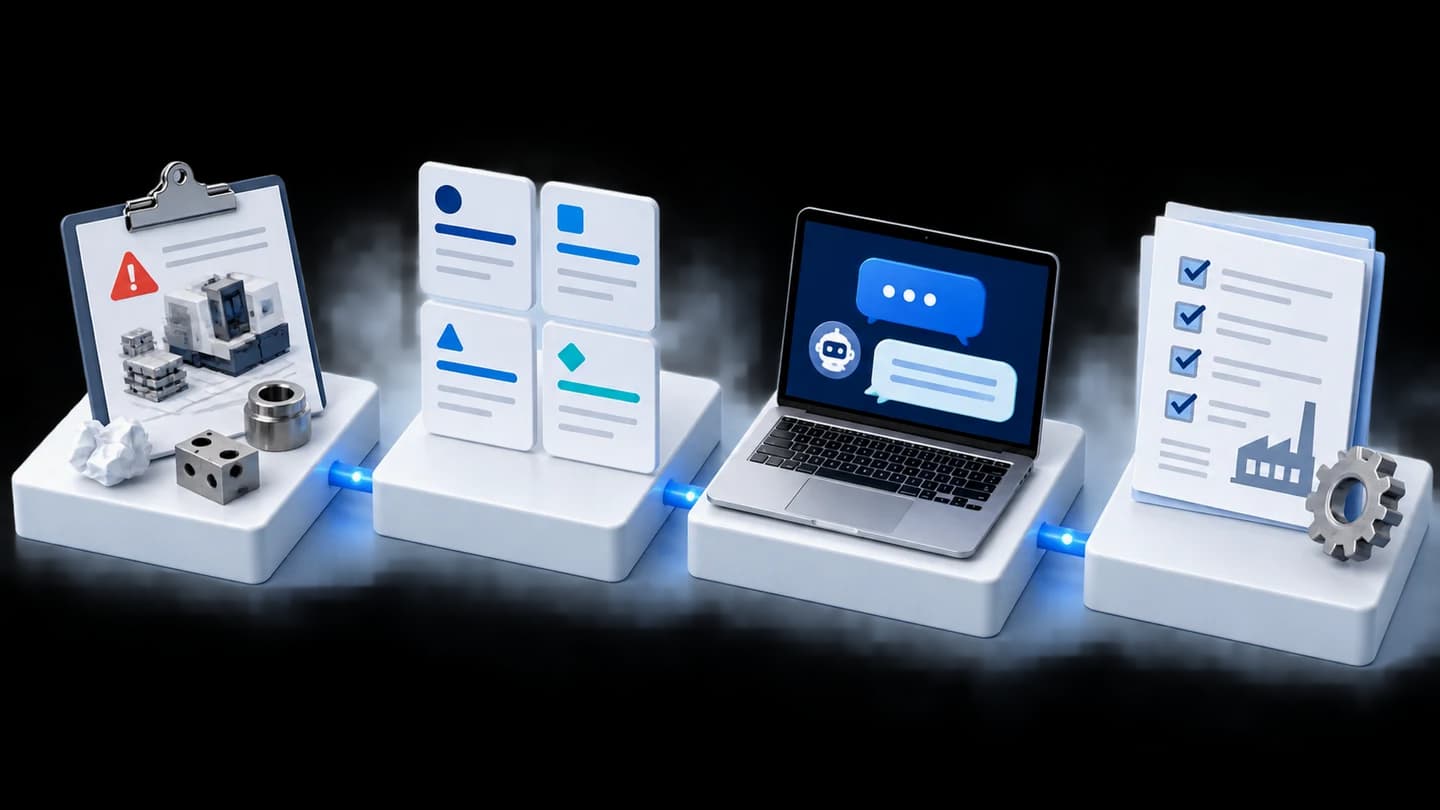
Multi-Hub Business Matching web app with role-based access and an AI help center for a business network
We developed a Business Matching web app for a business network with multiple Hubs, or member groups. One system handles QR Code meeting attendance, business referrals through to recording closed business, and a help center where AI answers before escalation to an administrator. Developed in 2026, the system is undergoing further improvements requested by users.

- Members across multiple HubsQR Code meeting check-in
- The Ask Board / Job RecommendAsking for help and referring work
- Success Business + Sticker WalletRecords value, transfers gold stickers automatically
- AI Chatbot help centrePasses to an admin when it cannot answer
- Dashboards and reportsOverview by administrator role
- Industry
- Services
- Year
- 2026
- Scope of work
- Design and development of a web application for a multi-Hub business network with role-based permissions and an AI help centre, with continued improvements according to user requests.
Summary
- We developed a Business Matching web application (a system for referring work between businesses in a network) for a business network group with members across multiple Hubs. One system serves every Hub and separates permissions by 4 role levels.
- Members mainly see data from their own Hub, area administrators can view only the Hubs they are responsible for, and system-wide administrators can manage every Hub.
- Routine work sits in one system: QR Code check-in for meetings and training, work referral through Job Recommend (the page for referring work to members) and recording the value in Success Business (the page for recording the value of closed business), which automatically transfers gold stickers to the person who referred the work.
- The AI Chatbot in the help centre answers members' questions first. If it cannot answer, the system passes the chat room with its history to an admin to continue. Redeeming stickers for cash requires admin approval.
- The core functions are working as of 2026, and further improvements in response to user requests are ongoing. Requests already implemented include role-based dashboard filters, a reports page and email notifications.
The on-site brief
A business network group whose members belong to multiple Hubs needed one system for the routine work of every Hub: meeting check-in, training, inviting guests, referring work and giving sticker rewards. Members needed to see mainly their own Hub's data, and administrators at each level needed an overview of the Hubs they look after. Members also wanted quick answers to usage questions, without having to repeat their story when passed on to an admin.
What we did
We developed a web application used through a browser on mobile phones and computers, with permissions separated by 4 role levels: member, Hub administrator, area administrator and system-wide administrator. The system includes QR Code check-in; work referral that automatically transfers gold stickers to the person who referred the work when the business value is recorded; a Sticker Wallet (a wallet that holds stickers) where an admin approves cash redemption; guest registration; and real-time chat. In the help centre, an AI Chatbot (an automated chat reply program) answers first and passes the chat room with its history to an admin when the AI cannot answer.
Current status
Further improvements in response to user requests are ongoing. The core functions already work: QR Code check-in, work referral with automatic sticker transfer, training, and a help centre where the AI can hand over to an admin. Requests already implemented include role-based dashboard filters, a reports page and email notifications. Planning for other requests is in progress for the next round.
How the brief came about
The challenge in this case was to bring the routine work of a multi-Hub business network into one system. That routine work covers meeting check-in, training, inviting guests, referring work to one another and giving sticker rewards. In 2026 we developed a Business Matching web app with 4 levels of user permissions for this business network group.
The customer wanted every Hub to use the same system, with members of each Hub mainly seeing their own Hub's data. Administrators at each level wanted an overview of the Hubs they look after, from meeting attendance through to the value of closed business. Members wanted quick answers to usage questions and did not want to repeat their story when passed on to an admin.
What are Business Matching and Hubs?
Business Matching means helping businesses with matching needs get to know one another and refer work to each other. A Hub in this case is a subgroup of the network that members belong to and meet with regularly.
System requirements
The system had to serve every Hub in one place and separate what each user sees by role. The main requirements were as follows.
- Usable through a browser on both mobile phones and computers, including opening the camera to scan a QR Code for check-in.
- Members mainly see their own Hub's data; administrators see data within the scope they are responsible for.
- Sticker rewards must be transferred according to the business value recorded in the system, with no manual calculation.
- Redeeming stickers for cash must be approved by an admin before the balance is deducted.
- When the AI cannot answer a question, the admin must see the full conversation history, so the member does not have to explain again.
Why one system for every Hub, with permissions separated by role
We use one system for every Hub because members need to be able to search for members in other Hubs and transfer stickers to one another across Hubs. We therefore separate data visibility through permissions based on 4 role levels: member, Hub administrator, area administrator and system-wide administrator.
The system is a web application (used through a browser, with no app to install), so members can use it straight away from a mobile phone or computer. For work involving money and answers the AI does not know, we made people the decision-makers: an admin approves cash redemption, and an admin continues the chat from the AI.
What does this system consist of?
The main parts of this system are QR Code check-in, asking for help and referring work, recording business value, the Sticker Wallet, the AI help centre, and dashboards and reports. These parts connect from meeting attendance through to the administrators' reports. Each user sees the menus and data for their own role.
- 1
QR Code meeting check-in
An administrator creates the Hub's meeting, then prints the entry and exit QR Codes and places them at the venue. Members open their mobile phone camera and scan to sign in. A member who cannot attend can register a substitute in advance.
- 2
Asking for help and referring work
A member posts what they need on The Ask Board (a board for requesting help). Someone who can help accepts, and the system then takes them to create a Job Recommend to refer the work, specifying the customer's name and the level of urgency.
- 3
Record the value of closed business
When a deal closes, the person who received the work records its value on the Success Business page. The system changes the job status to successful and automatically transfers gold stickers to the person who referred the work, all in one step.
- 4
Use and redeem stickers
The Sticker Wallet shows the balance of each sticker type, which members can transfer to one another or use to pay for training. A cash redemption request shows the net amount before confirmation and requires admin approval before the balance is deducted.
- 5
Ask the help centre
A member selects a topic and types a question. The AI Chatbot answers according to the selected topic and the user's role. If it cannot answer, the system says it is connecting to a staff member, then passes the chat room with its history to an admin to continue.
- 6
View the overview through dashboards and reports
Hub administrators and area administrators can view statistics on meeting attendance, work referrals and business value for the Hubs they are responsible for, from the dashboard and the reports page.
Besides this main process, the system also has registration for guests invited to meetings by members, and real-time chat between users.
Development process and request-based improvements
We developed this system in rounds, starting with the core functions members use at every meeting, then continuing to adjust it according to user requests after they had tried it.
- Core functions already working: QR Code check-in, work referral with automatic sticker transfer, training, and a help centre where the AI hands over to an admin.
- User requests already implemented: role-based dashboard filters, a reports page and email notifications.
- Other user requests: planning for the next round is in progress.
Confirmed results so far
At this point, the system's core functions are working and further improvements in response to user requests are ongoing. When the person who received the work records the value in Success Business, the system transfers gold stickers to the person who referred the work in the same step.
Requests submitted by users and already implemented include role-based dashboard filters, a reports page and email notifications. There are no verifiable usage figures yet, because the project has not closed.
What we learned
This work offers the following principles for member systems with multiple groups and rewards.
- Tie rewards to entries recorded in the system, in the same step. When recording the value and transferring stickers happen together, the wallet balance matches the recorded business value and no manual calculation is needed.
- Define the points where AI hands over to a person, and the decisions people must make themselves. In this work, the AI answers questions by topic first, questions it cannot answer go to an admin with the history, and every cash redemption requires admin approval.
- Design visibility permissions together with dashboards and reports, because administrators at each level need to see different data. In this work, the requests implemented after users had tried the system include role-based dashboard filters and a reports page.
How can you apply this approach to your network?
If your organisation has several member groups that meet regularly and refer work to one another, you can use the same approach as this case: one system with role-based permissions, with rewards tied to recorded amounts. The parts to adjust are the reward rules, the administrator roles and the questions the AI must answer.
Reusable parts and parts that need adapting
| System part | Reusable | Needs adapting when |
|---|---|---|
| Check-in | Entry and exit QR Codes, and substitute registration | Your meeting or training format differs from Hub meetings |
| Work referral and value recording | The Ask Board, Job Recommend and Success Business | The data to be recorded for each job differs from this case, so new fields must be agreed |
| Rewards and Sticker Wallet | Automatic reward transfer when the value is recorded, and approval before cash redemption | Your points or redemption rules differ from this case, so the rules must be written clearly before development |
| Help centre | AI answers first, then passes the chat room with its history to an admin | You need to prepare your own topics, frequently asked questions and people to handle enquiries |
| Permissions and reports | Role-based permissions, dashboards and reports pages according to administrator scope | Your group structure or administrator levels differ from this case |
- Define clearly from the start who can see data across groups and who can approve transactions.
- Write the points, sticker and cash redemption rules down before development, because these rules determine the calculation formulas and reports.
- Prepare the questions members often ask, with correct answers, and decide who takes over when the AI cannot answer.
- Allow time for improvement rounds based on requests, because users often ask for changes to screens and reports once they have tried the system.
- If you want to accept online payments or send SMS, plan the integration with external providers as separate work.
Read more
- Custom system development service
- Annual system care and maintenance service
- Enterprise KM Chatbot: an AI Chatbot that answers from an organisation's documents
- Case: central database web app and KPI dashboard for an automotive parts manufacturer
- Case: AI Knowledge Management for searching maintenance knowledge
Technology used
Frequently Asked Questions
Do I need to install an app on my mobile phone?
No. The system in this case is a web application used through a browser on both mobile phones and computers. Scanning a QR Code for check-in also opens the camera directly through the browser.
What happens if the AI Chatbot cannot answer a question?
The system tells the member that it is connecting them to a staff member, then passes the chat room and the full history of the AI conversation to an admin. The admin can read on and reply straight away, so the member does not have to explain everything again.
Can members of different Hubs see each other's data?
Members mainly see the data of their own Hub. Area administrators can switch views only between the Hubs they are responsible for, while system-wide administrators can manage every Hub.
What are the steps for exchanging stickers for cash?
The member submits a request through the Sticker Wallet and sees the net amount before confirming. An admin then approves the request and deducts the amount from the wallet, and the money is transferred to the account the member has registered.
What are the price and development time?
There is no fixed price or timeline. It depends on the number of modules, the user roles and the external systems that need to be connected. Please contact us for a quotation after discussing the scope of work.