What is an AI server for factories, and what can it do?
Inspektion engineering team · Published 7 September 2026 · Last updated 14 October 2026
Rewritten from the original article, first published May 2025
An AI server is a high-performance machine that runs AI models in place of a general-purpose computer. It can speed up part counting, quality inspection, production forecasting and answers from organisational documents.
 Image: Inspektion
Summary
- An AI Server is a machine with a high-powered graphics card (GPU) that supports AI model processing; its performance depends on the hardware and the AI model used.
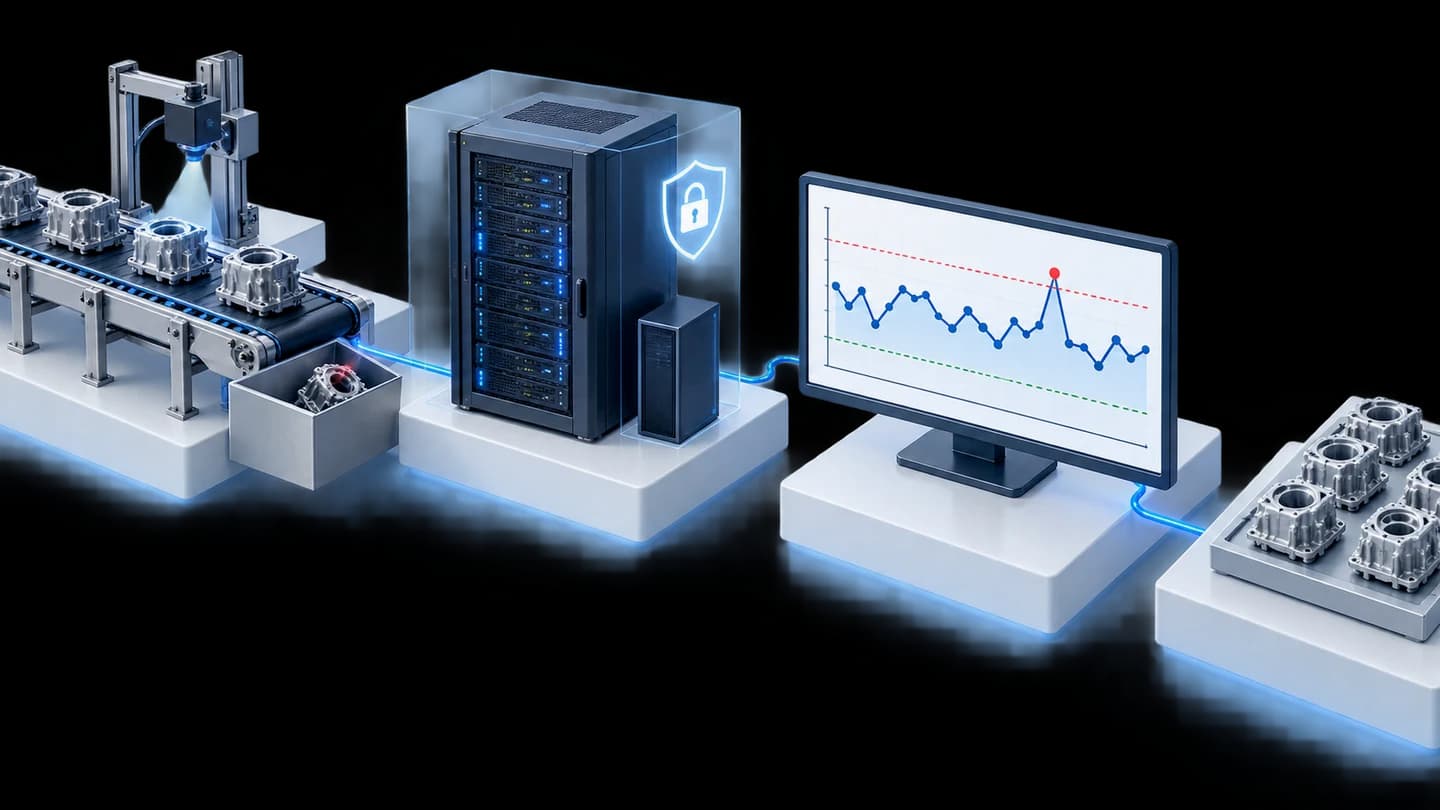
- Work that uses an AI Server in real factories includes counting workpieces with cameras, quality inspection, production volume forecasting, production planning and answering questions from company documents.
- Choose an AI Server when you have AI work that needs continuous, high-volume processing — light, occasional work may not yet justify the investment.
- It can be set up either On-Premise (installed inside the factory, with control over how data is sent and received) or rented on the cloud — see the price comparison in the article [Buying your own AI Server or renting a cloud GPU](/blog/ai-server-buy-or-rent-cost)
What is an AI Server?
What is an AI Server?
An AI Server is a computer fitted specifically with a high-performance graphics card (GPU), so it can process work that needs many simultaneous calculations — such as analysing images from several cameras at once or running a large language model (LLM) — within the capacity of the hardware, which must be tested with the actual model and workload.
For factory owners and production managers, the key point is that an AI Server is not a computer that becomes smarter by itself once you buy it — it is a "tool" that lets an AI system designed for a specific task (such as inspecting workpiece quality) run fast enough for real use on the production line.
What can a factory do with an AI Server?
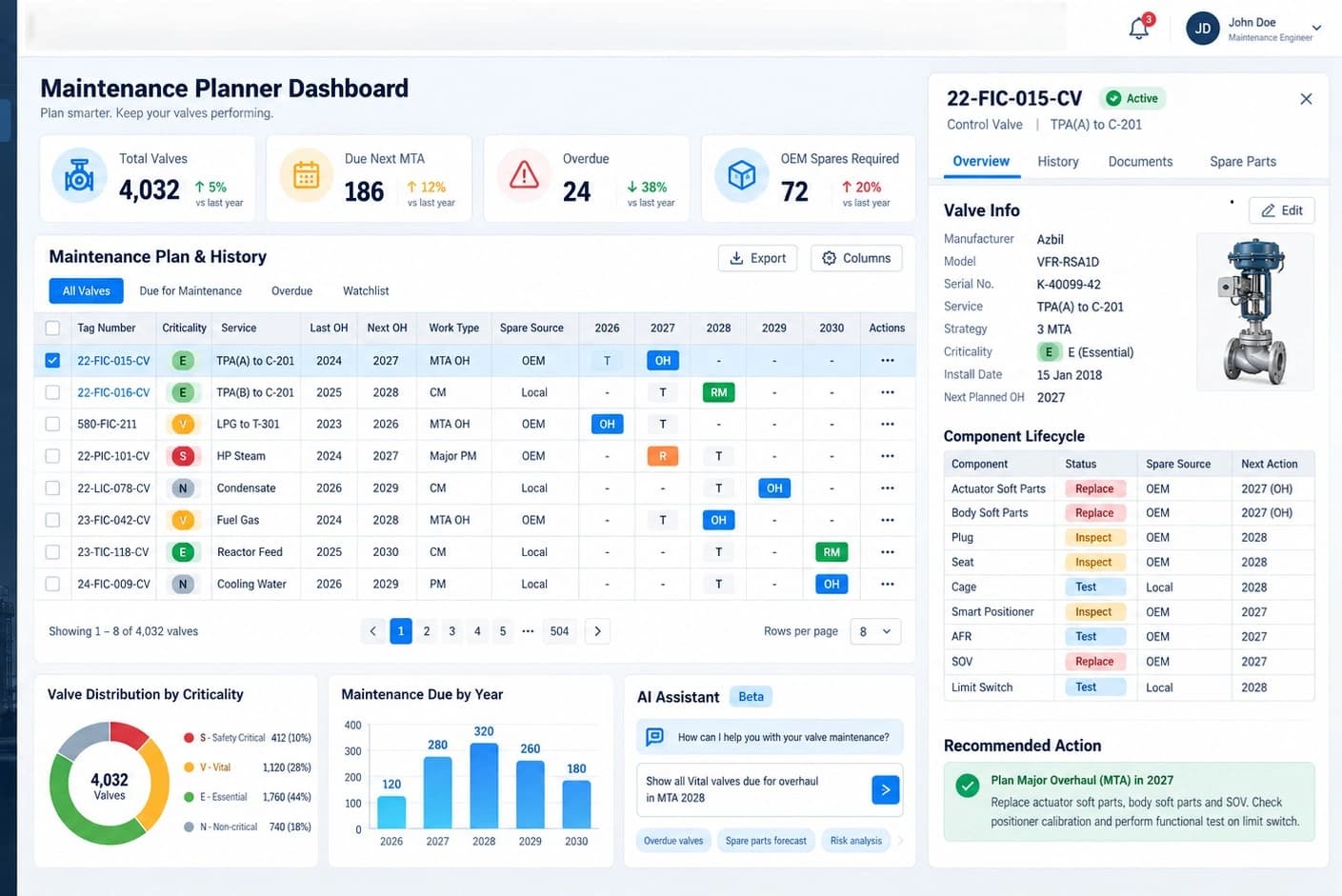
- Counting products with cameras (Vision Counting) — see What is Vision Counting? for details
- Inspecting workpiece quality from images (Vision Inspection) — see AI Vision Inspection for details
- Forecasting demand trends or production volumes in advance — see Trend forecasting with AI for details
- Planning production by learning from actual results — see Production planning with AI for details
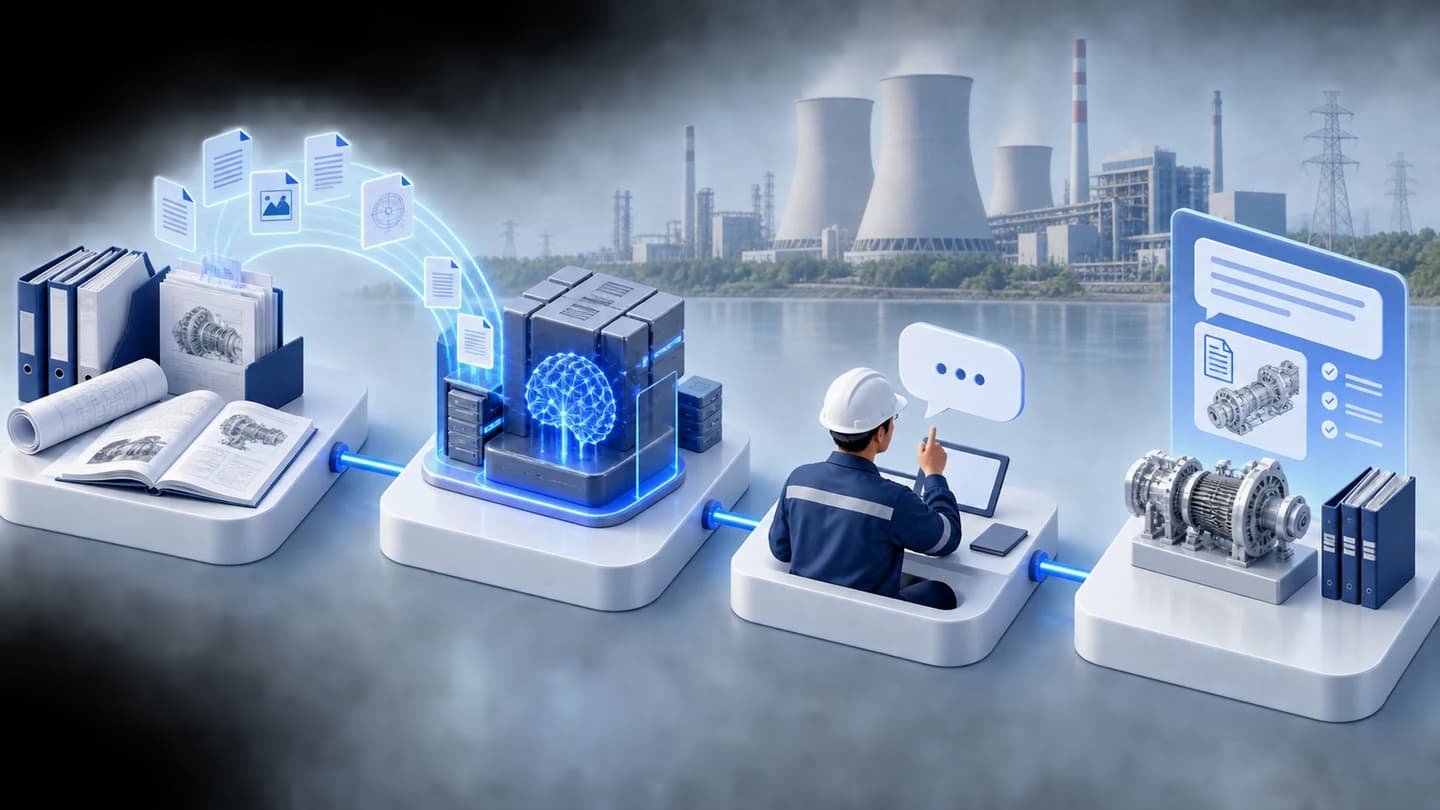
- Letting staff ask questions of company documents (manuals, work standards, maintenance history) in everyday language
Do you need your own AI Server?
You need to weigh up workload, cost, latency and data requirements together. Occasional work may suit a cloud service, while continuous work may warrant considering an in-house machine. The P-Chart case is an example of a system installed in-house, not evidence that a GPU or AI Server is required.
Compare costs before deciding
If you are weighing up whether to buy your own AI Server or rent one, read the cost comparison table in Buying your own AI Server or renting a cloud GPU
Frequently Asked Questions
How does an AI Server differ from an ordinary computer?
An ordinary computer uses a CPU that processes instructions one at a time in sequence, whereas an AI Server has a graphics card (GPU) that can process a large number of instructions simultaneously. This matches the way AI models calculate, making it much faster for this type of work in particular.
Does a small factory need an AI Server?
Not always. It depends on the volume and continuity of the AI work required — the team can assess what is suitable based on the actual work of each factory.
Is an AI Server difficult to maintain?
It needs ongoing system care (software updates, machine health checks), like any ordinary server — see the [annual system maintenance](/services/support-maintenance) service for teams without in-house IT.
References
- [1]
NVIDIA A100 Tensor Core GPU — NVIDIA Corporation
- [2]
You Only Look Once: Unified, Real-Time Object Detection — arXiv (Redmon et al., 2016)
- [3]
Retrieval-Augmented Generation for Knowledge-Intensive NLP Tasks — arXiv (Lewis et al., 2020)