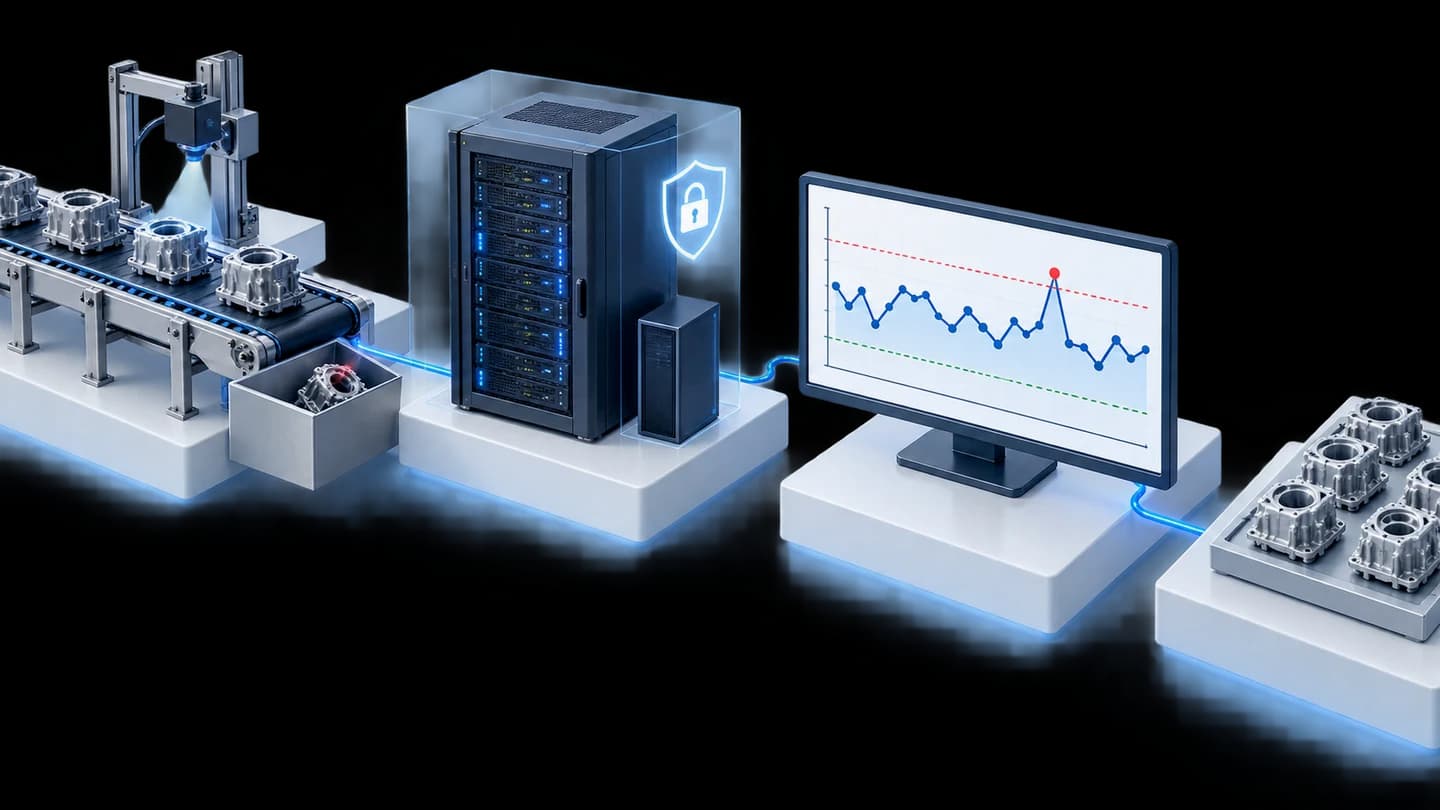
Internal technology catalog on Power Apps for an automotive parts manufacturer in Thailand
Customer: Automotive parts manufacturer (Japanese conglomerate)
Tech Catalog is a Power Apps and SharePoint app collecting technologies and improvements developed by internal teams across factories. Employees can register new items, search by keyword or filter, and see which factories have adopted them. We developed it for an automotive parts manufacturer in Thailand in 2024, with administrators reviewing every entry before publication.
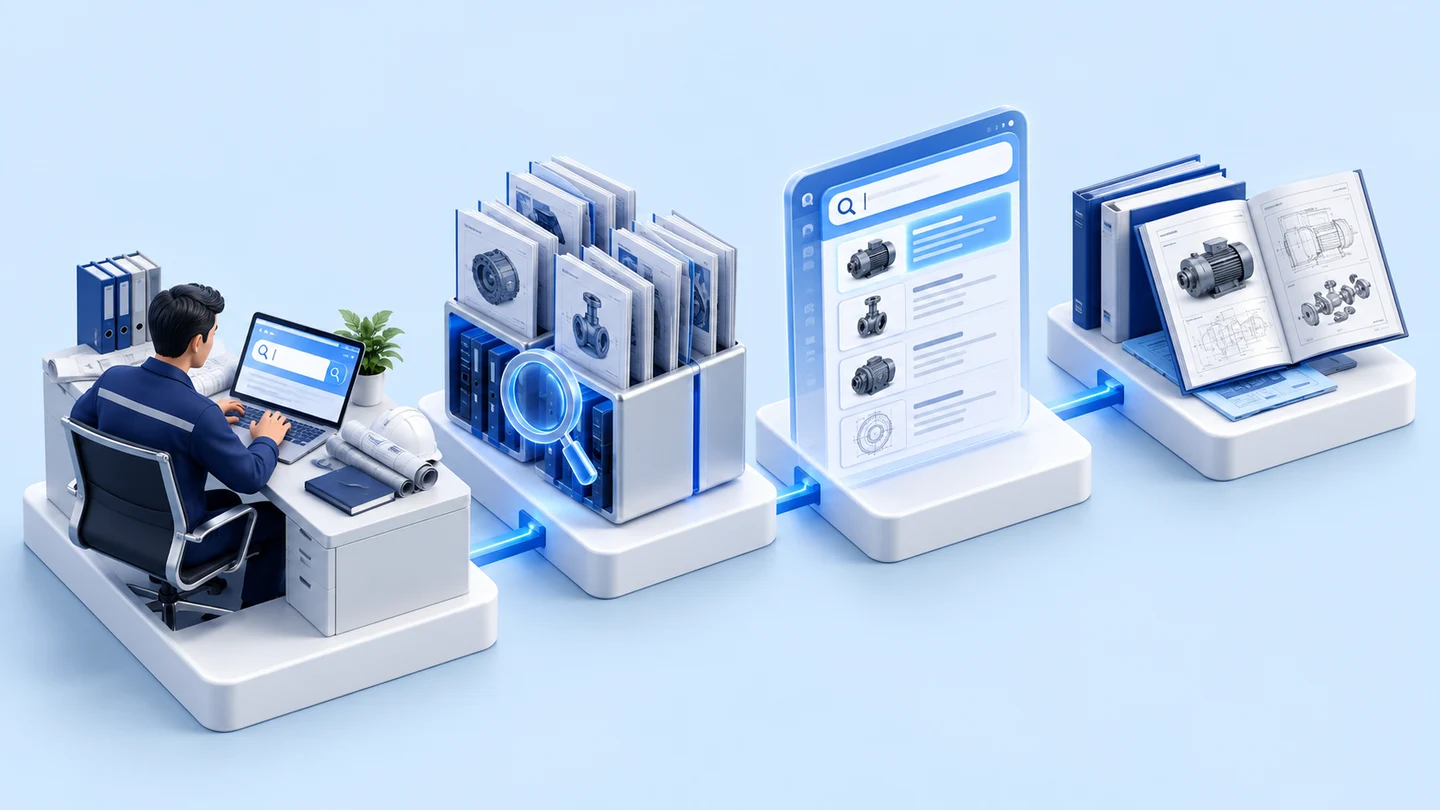
- Employees register technologiesTechnology Detail Specification page
- Power Automate emails the administrator
- Administrator reviews, edits and presses AnnounceAnnounce
- Data stored in SharePoint lists
- Search, filter and view maps in Power Apps
- Industry
- Automotive
- Year
- 2024
- Scope of work
- Design and develop a Power Apps app on SharePoint according to 12 requirement groups (start page on SharePoint, summary page, search page with 8 types of filter, registration and detail pages, 3 process maps, manuals, knowledge, administrators, and hiding or showing information), adjust it according to the customer's change requests, test the system, and prepare the user manual.
- Duration
- Aug–Sep 2024
Summary
- Tech Catalog is an app on Microsoft Power Apps that brings together the technologies and improvement projects developed by internal teams, along with the problems solved, costs, limitations, contact people and the factories that have adopted them.
- All information is stored in the customer's SharePoint lists, and Power Automate emails administrators so that they can review every entry before pressing Announce.
- The search page searches by keyword across almost all data fields and offers 8 types of filter, and 3 process maps show which factory uses which technology.
- Our test team checked the system against every item in the 12 requirement groups, and we delivered the user manual to an automotive parts manufacturer in Thailand in 2024.
The on-site brief
The customer needed a central catalogue bringing together the technologies its internal teams had developed for use at each factory. Each entry had to state the problem solved, cost, limitations, contact person and the factories using it. Employees had to be able to add information themselves, but administrators had to review it before publication, and the system had to be built on the Microsoft Power Platform the organisation already uses.
What we did
We built a Power Apps app that stores its data in the customer's SharePoint lists, with a technology registration page on a one-topic-per-sheet basis, a search page with 8 types of filter, and 3 process maps showing the factories using each technology. When an employee submits information, Power Automate emails the administrator, and the entry becomes visible to everyone only after the administrator presses Announce.
Results
Our test team checked the system against every item in the 12 requirement groups, including the parts adjusted under the customer's change requests, and recorded this in a software test report dated 26 Aug 2024. We delivered the user manual on 3 Sep 2024, and the project was completed in 2024.
How the brief came about
The brief for this case was to bring the technologies that internal teams developed for use at each factory into a central catalogue that employees can search themselves. The customer is an automotive parts manufacturer in Thailand with several factories. Each entry in the catalogue had to state how it is used, the problem it solves and the factories that have already adopted it.
When a team at another factory can see the problem, solution, cost, limitations and contact person in one place, it can decide whether to adopt the work and knows whom to talk to. The catalogue therefore serves as a knowledge register of improvement work, covering both items already in actual use and items under development.
Requirements and constraints
The system had to let employees add information themselves and had to run on tools the organisation already uses. The main requirements from the requirements document were as follows.
- Each technology must record the background to the problem, objective, difficulty, cost, production cycle time, limitations, images, attachments and contact person.
- General employees can add and view information, while editing, deleting and announcing are administrator rights.
- New entries must pass an administrator's review before becoming visible to everyone.
- It must be possible to show which factory uses each technology, by process.
- The system must be built on the Microsoft Power Platform the organisation already uses, with data stored in the organisation's SharePoint, so that the customer's team can maintain and modify it themselves.
Why build on Power Apps and SharePoint?
We chose Power Apps and SharePoint because the customer specified that the system must sit on the Microsoft Power Platform the organisation already uses, so that its team could maintain and modify the app themselves after handover. All information is held in the organisation's SharePoint lists, and the administrator notification step is handled with Power Automate.
What do Power Apps, Power Automate and SharePoint do?
Power Apps is a Microsoft tool for building app screens with little code. Power Automate is used to create automated steps, such as sending an email when new information arrives, and SharePoint stores the organisation's data lists and files. An organisation already using Microsoft's cloud services can therefore build on them without setting up a new server.
The step of having an administrator review entries before announcing them helps keep catalogue information in a consistent format, while employees can still add new topics themselves rather than sending them to an administrator to type in.
Deliverables
We delivered the Power Apps app according to the 12 requirement groups, together with the Power Automate administrator notification step and the user manual. The app works as follows.
- 1
Register technologies, one topic per sheet
The developer fills in the Technology Detail Specification page with details such as company and department, process, background to the problem before and after improvement, objective, difficulty, cost, production cycle time, limitations, images, attachments, search keywords and contact person.
- 2
Notify the administrator by email
On submission, Power Automate emails the administrators named on the administrator page. At this stage the new entry is not yet visible to others.
- 3
The administrator reviews, adds information and presses Announce
The administrator checks the accuracy of the submitted information, fills in the parts the administrator is responsible for, such as the map number and development type (Common or Individual), and then presses Announce. Only then does the entry appear on the summary page, search page and maps.
- 4
Search and filter
The Catalog Search page searches by keyword across almost all data fields and offers 8 types of filter, such as category, process, level (Rank), factory, product and status, and immediately shows counts of all entries, entries in actual use and entries under development.
- 5
See which factory uses what
The maps (MAP) cover 3 processes: Productivity improvement, Vision Inspection (inspection with cameras) and Load Unload (robotic pick-and-place of workpieces). They show the technologies and the factories that have adopted them, and map images can be uploaded. Users click a factory name to open the details of that topic. Each topic also has a Rating button and displays its average score.
In addition to the steps above, the app also has these other delivered parts.
- Start page on the customer's SharePoint site: a link button into the app
- Summary page: a list of announced technologies, with the Developer and Expansion Plant columns added at the customer's change request
- Manual and knowledge pages: linked to the manual library in SharePoint
- Administrator page: sets the list of administrators who receive emails and have the right to announce
- User manual, delivered on 3 Sep 2024
How long did this work take, and what steps did it follow?
This work took place in Aug–Sep 2024, from development against the requirements document, through testing and adjustments at the customer's request, to delivery of the manual. The sequence was as follows.
- Developed the app according to the 12 requirement groups
- Progress meeting: the customer's team tried the app with general user rights and asked that new entries appear only after an administrator has reviewed them and pressed Announce
- Adjusted the system at the customer's request, for example adding the Developer and Expansion Plant columns to the summary page, then tested every item and recorded the results in a software test report dated 26 Aug 2024
- Delivered the user manual on 3 Sep 2024
Confirmed results from testing and delivery
Our test team checked the Tech Catalog system against every item in the 12 requirement groups and recorded this in a software test report dated 26 Aug 2024. The columns added at the customer's change request passed review in the same report. We delivered the user manual, and the project was completed in 2024.
This case has no usage metrics, such as the number of topics registered or the time spent searching, so we report only results backed by documents.
What we learned
This work offers 3 principles for knowledge catalogues to which employees add their own information.
- Agree the registration form's data fields clearly before building other screens, because search, filters, counters and maps all refer to the same set of fields.
- A catalogue that anyone can add to needs named reviewers, and new entries must not appear until a reviewer announces them. In this work, the customer asked to adjust this step after trying the app with general user rights.
- Bring the customer's change requests into the same test round as the main work, so that a single test report covers the whole system. In this work, the columns added at the customer's request passed review in that same test report.
How can you apply this approach in your organisation?
If your organisation has several factories or departments that develop their own improvements, and already uses Microsoft Power Platform and SharePoint, you can use the same approach as this case: a one-topic-per-sheet form, administrator review before announcement, and a search page with filters. What needs adapting is the data fields, the processes in the maps and the list of administrators.
Reusable parts and parts that need adapting
| System part | Reusable | Needs adapting when |
|---|---|---|
| Registration form | One-topic-per-sheet structure: problem, solution, cost, limitations, contact person | Your organisation needs different data fields from this case; the fields must be agreed before the search page is built |
| Review before announcement | Email notification to administrators via Power Automate, and an Announce button | There are reviewers at several levels or in several departments; the review sequence must be redesigned |
| Search and filters | Keyword search across several fields, filters and entry counters by status | Your organisation uses different categories or statuses from this case |
| Factory map | A map with image upload that shows the factories using each topic | The processes to be shown are not the 3 processes used in this case |
| Platform | Power Apps, Power Automate and SharePoint | Your organisation does not use Microsoft Power Platform; the platform must be reassessed |
- Check usage rights for Power Apps, Power Automate and SharePoint in the organisation's Microsoft account
- Decide who will administer the system after handover and who will review new entries
- Arrange for reviewers to announce new entries promptly, so that entries are not left waiting so long that registrants stop using the system
Read more
- Case: 5M1E production line form app on Power Apps with an approval flow
- Case: AI system for searching repair history from inspection and repair reports, for maintenance work
- Enterprise KM Chatbot: an AI assistant that answers questions from organisational documents
- Custom inspection and control system development service
- Data integration and AI development services for organisations
Technology used
Frequently Asked Questions
What is Tech Catalog used to search for in this case?
It is used to search for technologies and improvement projects developed by internal teams in the customer's organisation. Each topic states the original problem, solution, cost, limitations, contact person and the factories that have adopted it. You can search by keyword or use 8 types of filter.
Can employees add information themselves, and who reviews it before publication?
Yes. Staff can register new topics themselves. Power Automate emails the administrators registered on the admin page. An entry is shown to everyone only after an administrator has reviewed and published it.
Can an in-house team maintain and modify the app themselves?
The system is designed so that an in-house team can maintain and modify it, because it is built on the Microsoft Power Platform the organisation already uses, and the data for every topic is held in the organisation's SharePoint lists. Before work starts, you should also decide who will maintain it after handover.
What was delivered?
We delivered the app according to the 12 requirement groups, including the parts adjusted under the customer's change requests, such as the developer and rolled-out factory columns. Our testing team checked every item before delivery, and we also delivered a user manual.
What are the price and development time?
There is no fixed price. It depends on the number of screens, data fields and approval steps required. The work in this case was carried out in Aug–Sep 2024. Send us the details of your work to request a quotation.